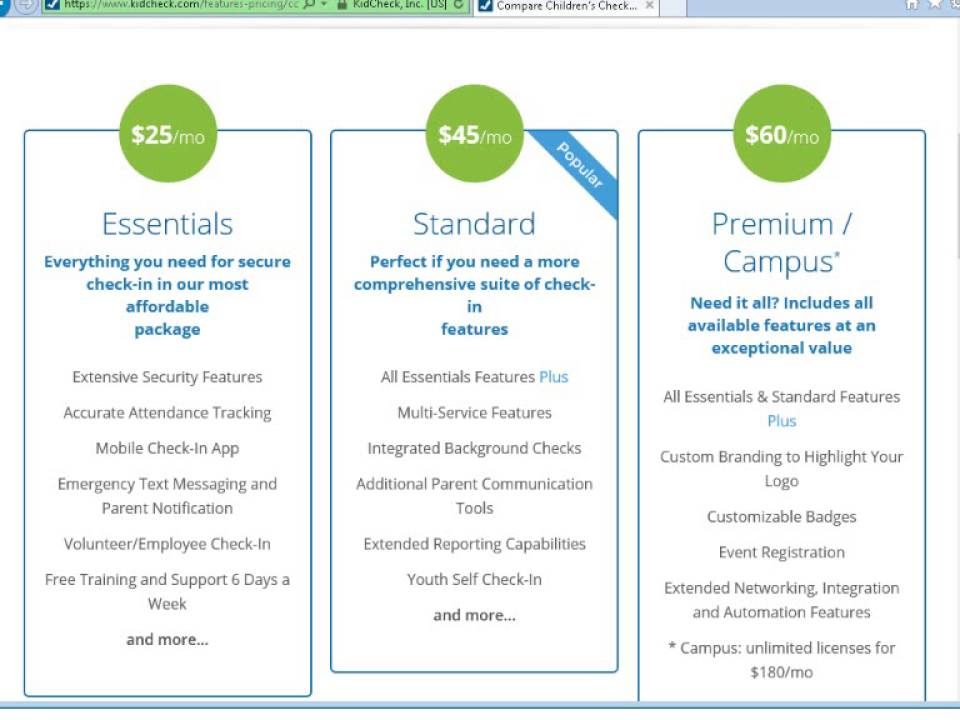
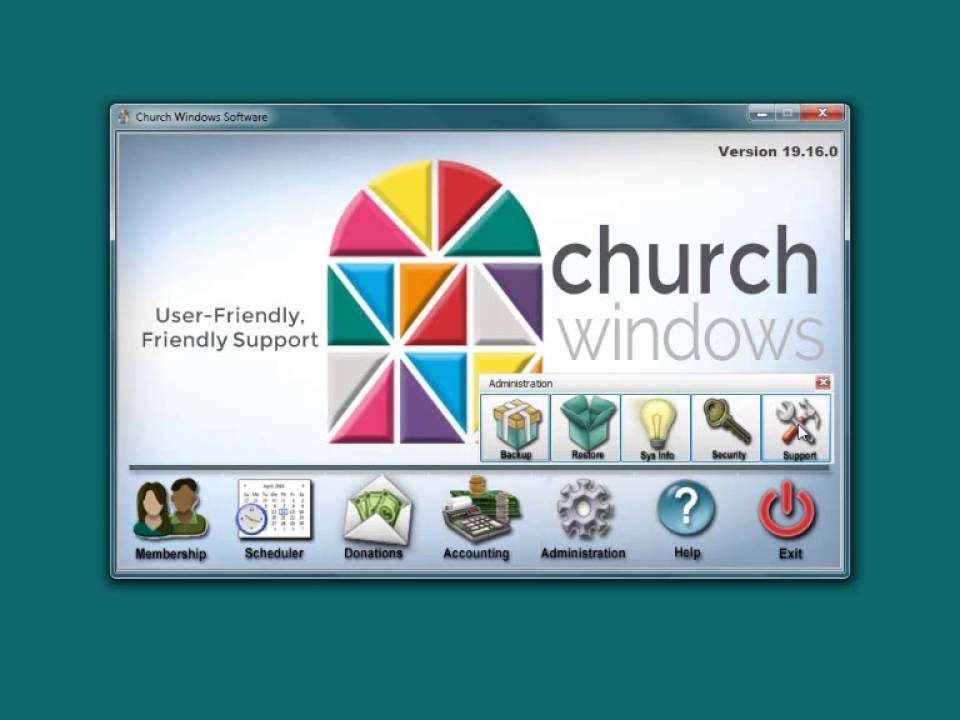
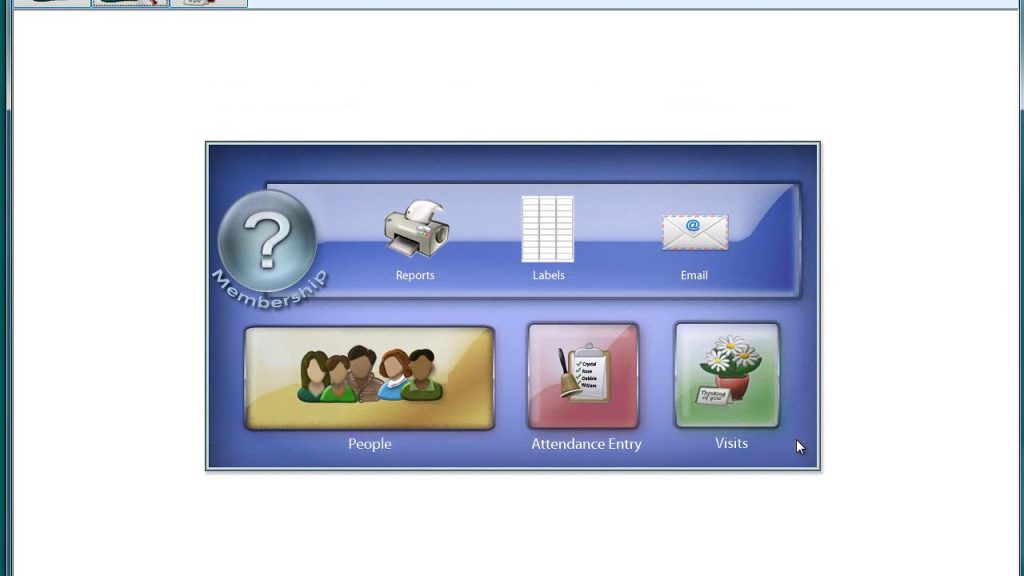
June 23, 2017Membership: KidCheck (v19 & Newer)In this video, learn how Church Windows shares information with KidCheck. Presented on 8/30/2016.
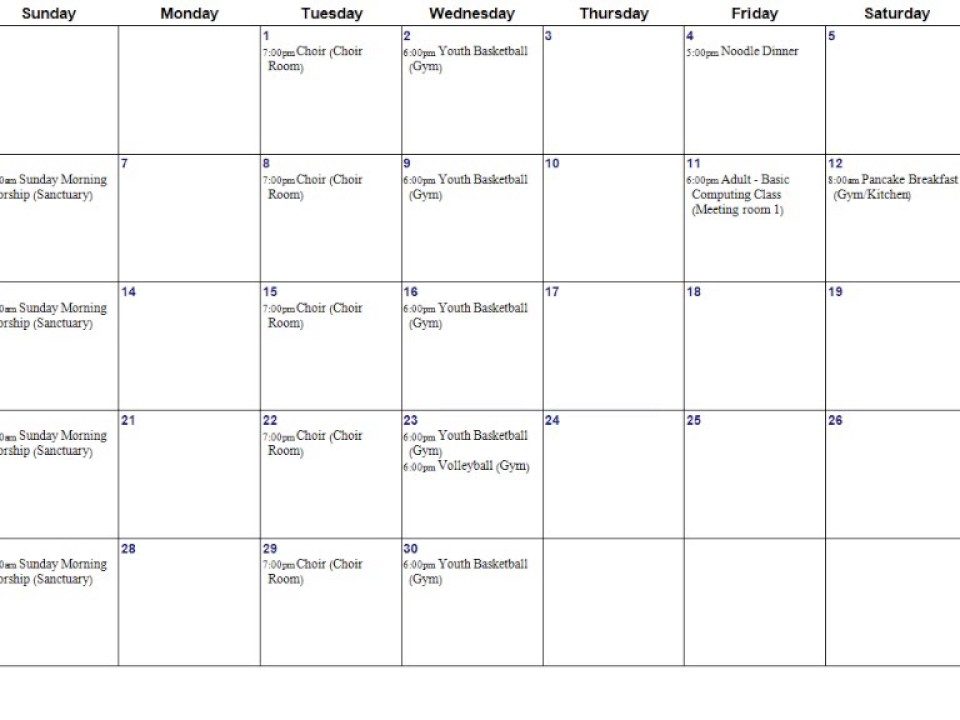
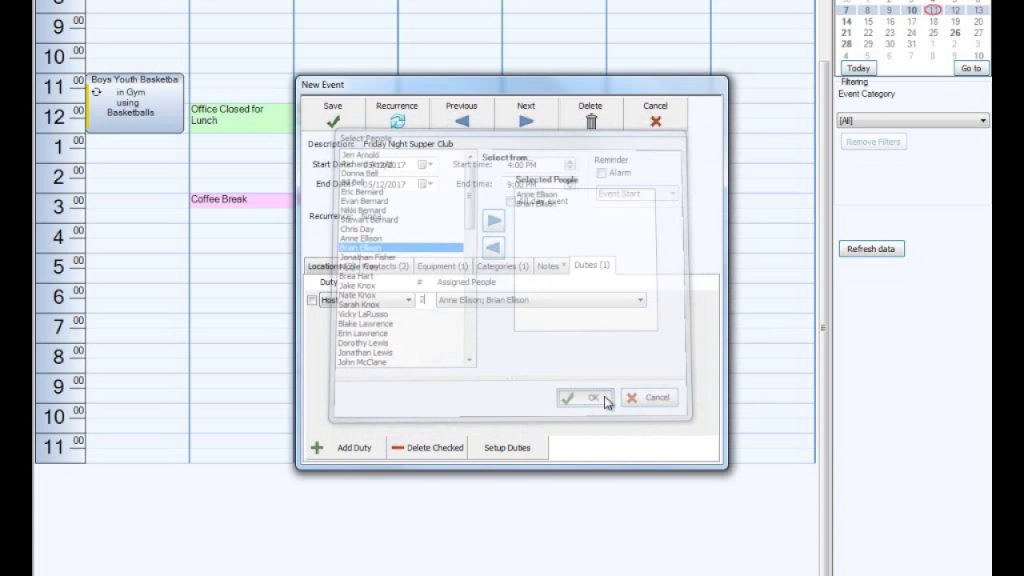
July 24, 2017Scheduler: Reports (v17 & Newer)In this video, learn about the options to generate reports about your scheduled events. Presented 6/23/2017.
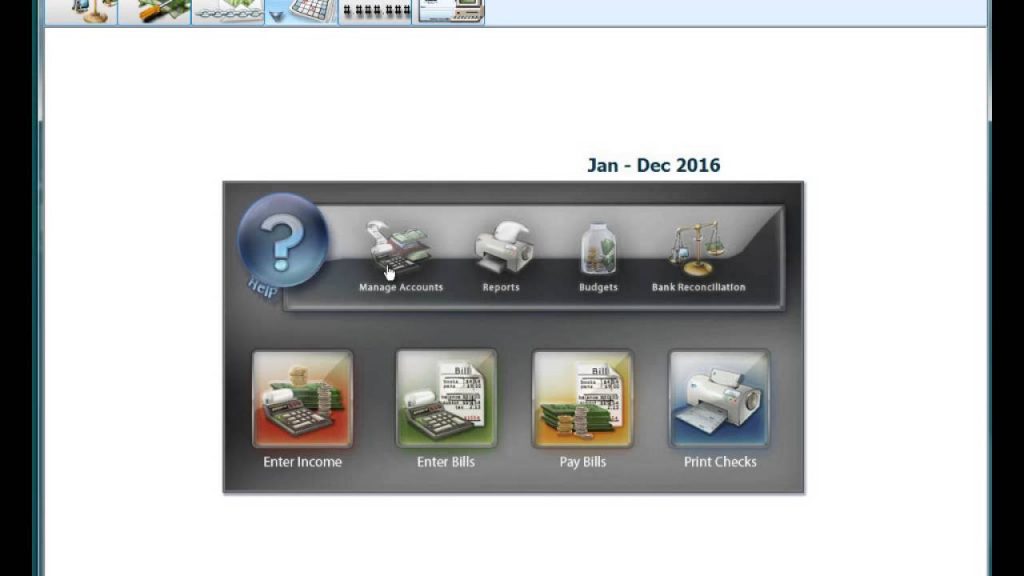
September 11, 2017Accounting: Fund Accounting Defined (v17 & Newer)In this video, learn what makes fund accounting unique from personal or business accounting. From workbook A101, pgs. 2 - 4. Presented 9/7/2017.
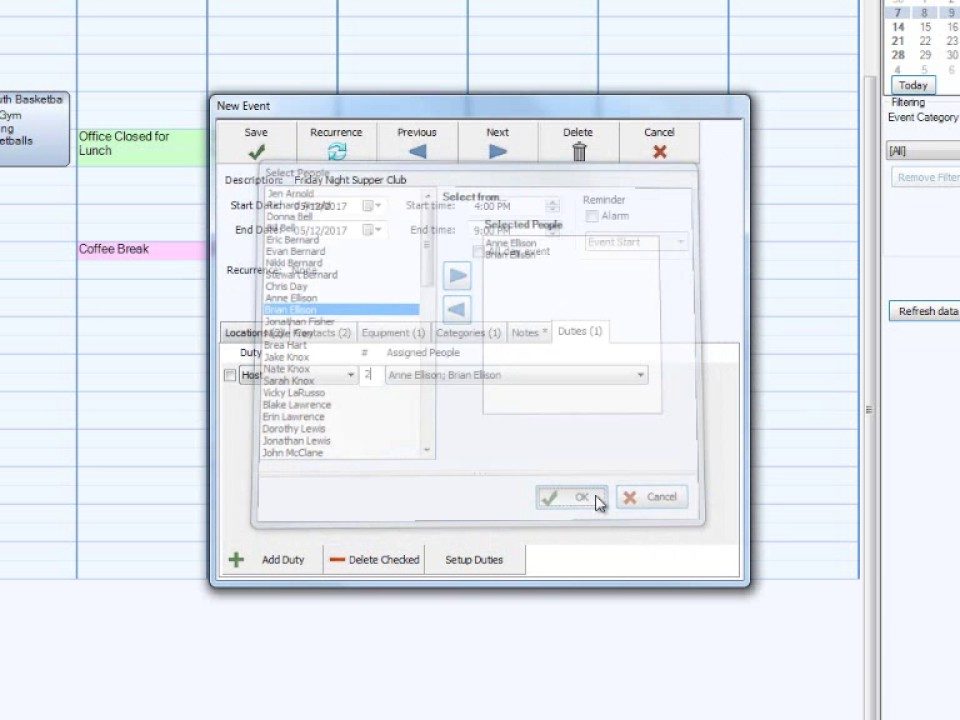
September 11, 2017Scheduler: Setup (v17 & Newer)In this video, learn how to setup the Scheduler module and link it to the Membership module. Presented 8/11/2017.
September 11, 2017Scheduler: Report Features (v17 & Newer)In this video, learn how to setup the reports. Presented 8/16/2017.
December 18, 2017Accounting: Chart of Accounts Clean-Up (v17 & Newer)In this video, learn how to add and delete accounts. From workbook A102, pages 15 - 22. Presented 12/15/2017.
December 18, 2017Install: General InstructionsIn these documents general steps are provided that need to be performed to install Church Windows.
December 18, 2017Membership: Printer, Label, Compass, etc. (v20 & Newer)In this video, learn about the buttons for the printer, label, compass and copy. From workbook M101, pages 31 - 32. Presented 12/1/2017.
April 13, 2018Membership: Standard Directories (v20 & Newer)In this video, learn how to create a directory with just a few clicks of the mouse. Presented 3/20/2018.
August 31, 2018Membership: Individual Record Buttons (v19 & Newer)In this video, learn about the buttons for printing, mapping and copying. Presented on 8/29/2018.
September 4, 2018System: Restore Accounting Only (v19 & Newer)In this document, learn how Church Windows Desktop Users can quickly and easily restore Accounting data only to your local computer.
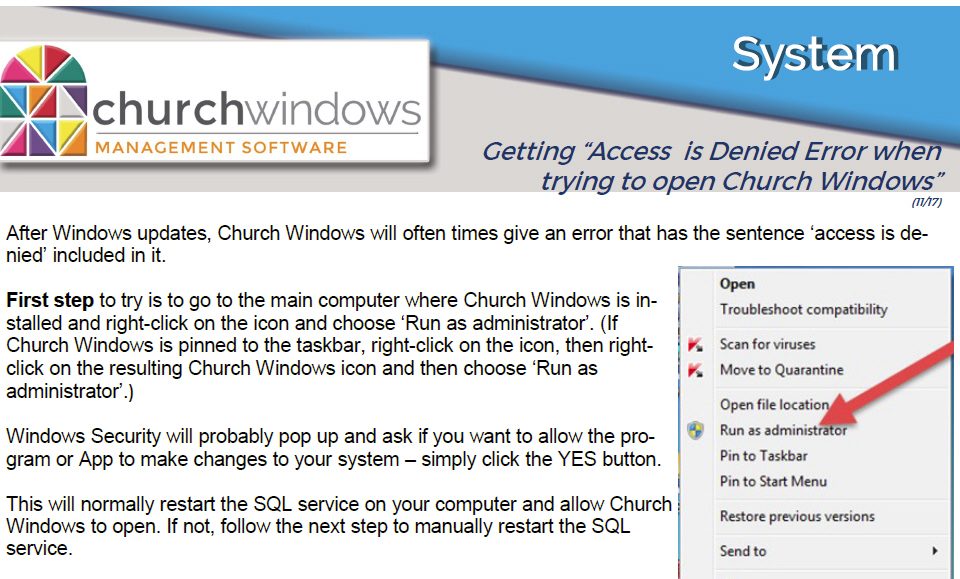
September 4, 2018System: Access Denied after Microsoft Windows™ Updates (v17 & Newer)In this document, learn that while using Church Windows Desktop, you can quickly and easily back up the data to your local computer or a thumb/flash drive.