CW-Windows-Logo-HorizontalCW-Windows-Logo-HorizontalCW-Windows-Logo-HorizontalCW-Windows-Logo-Horizontal
  • Church Windows Software
    • Support Tiers & Pricing
    • Free Demos
    • Features
    • Why Church Windows?
    • Web v Desktop
    • System Requirements
  • Customer Support
    • Help Files
    • Free Training Webinars
    • Training Options
    • Resource Center
    • New Year Prep & Help
    • Download Updates
    • Contact Support
  • More
    • About Us
    • Our Partners
    • Subscription Login
    • Contact Us
0

$0.00

CONTACT US
✕
Not found text See all results
  • Filter by
  • Categories
  • Tags
  • Authors
  • Show all
  • All
  • v24
  • Known Issues v24
  • v25
  • v26
  • v27
  • Membership
  • Contribution
  • CW Web
  • v23
  • Scheduler
  • Financial
  • v22
  • End-of-Year
  • Known Issues v23
  • v21
  • Donations
  • v20
  • Accounting
  • How Do I Start
  • System
  • v19
  • Payroll
  • v18
  • v17
  • v16 and Older
  • Module
  • Other
  • Version
  • Legacy Version
April 26, 2023

Accounting: Adjust Asset (v24 & Newer)

In this video, learn about Adjust Asset, NSF, Stock Valuation Changes and Void Outstanding Check. Presented on 04/26/2023.
Do you like it?
Read more
May 25, 2023

UMC Disaffiliation

In this document or video, learn how Project Helper can help if your church is disaffiliating from the UMC. Presented on 05/25/2023.
Do you like it?
Read more
May 30, 2023

Payroll: Payroll Reports

In this video, learn about select Payroll reports and general reporting conventions.  Presented on 05/30/2023.
Do you like it?
Read more
June 12, 2023

Accounting: Converting From or To a Calendar Year (v24 & Newer)

In this document or video, learn how to switch from a calendar year to a fiscal year, or vice versa.  Presented on 06/12/2023.
Do you like it?
Read more
June 13, 2023

Payroll & Accounting: Payroll Benefits Payment (v24 & Newer)

In this video, learn about Payroll Benefits Payment that is Part Employer and Part Employee Paid.  Presented on 06/13/2023.
Do you like it?
Read more
June 15, 2023

Membership & Donations: Transferring Individuals (v24 & Newer)

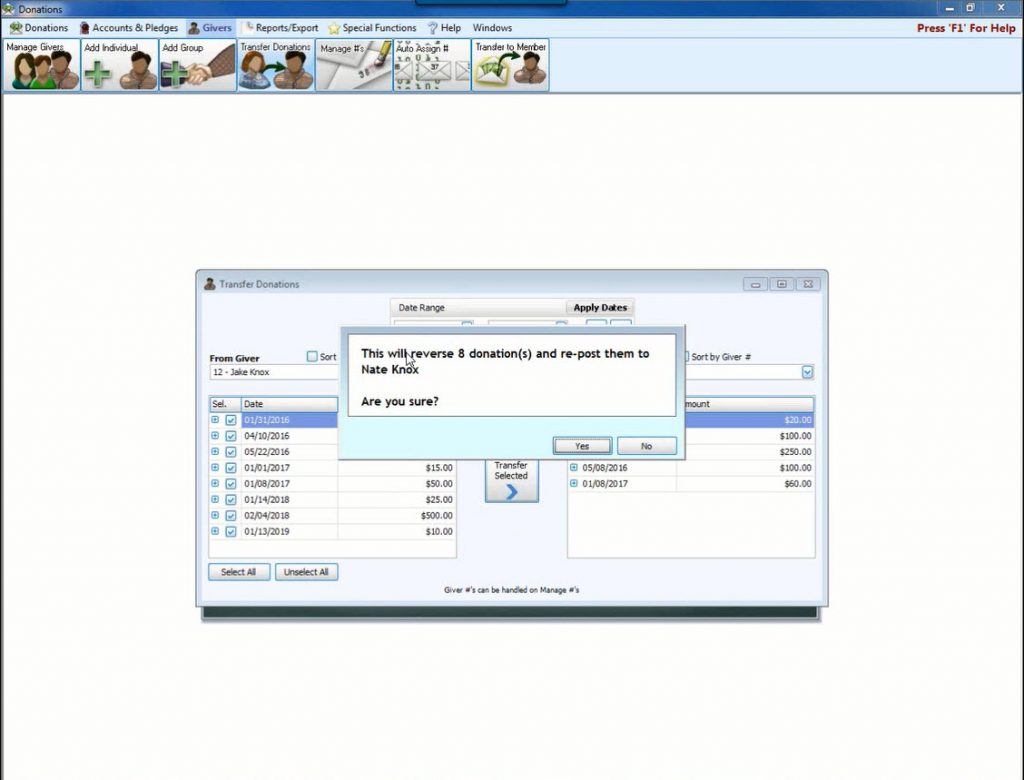
In this video or document, learn how to Transfer Individual(s) and/or Families to New or Existing Households and Transfer Individuals to Donations.  Presented on 06/15/2023.
Do you like it?
Read more
June 20, 2023

Move CW to a New Computer (v20 & Newer)

In this document, learn how to easily move the Church Windows program to a new computer. 
Do you like it?
Read more
June 29, 2023

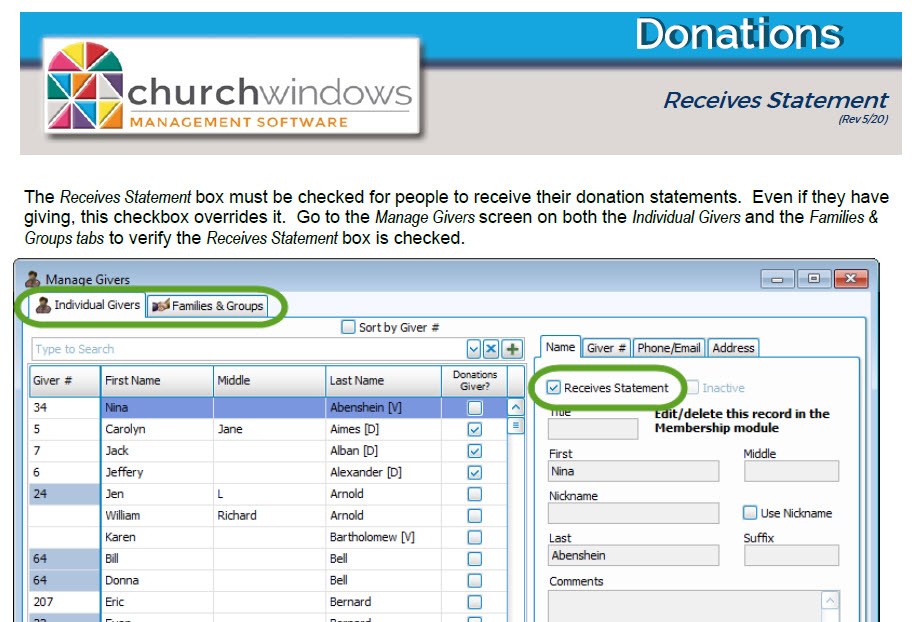
Donations: Receives Statement (v24 & Newer)

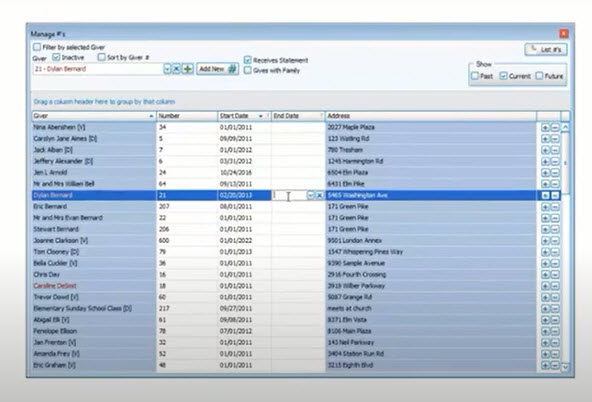
In this document or video, learn about the importance of the Receives Statement checkbox and how to check Givers to receive a Donations Statement.  Presented on 06/29/2023.
Do you like it?
Read more
July 6, 2023

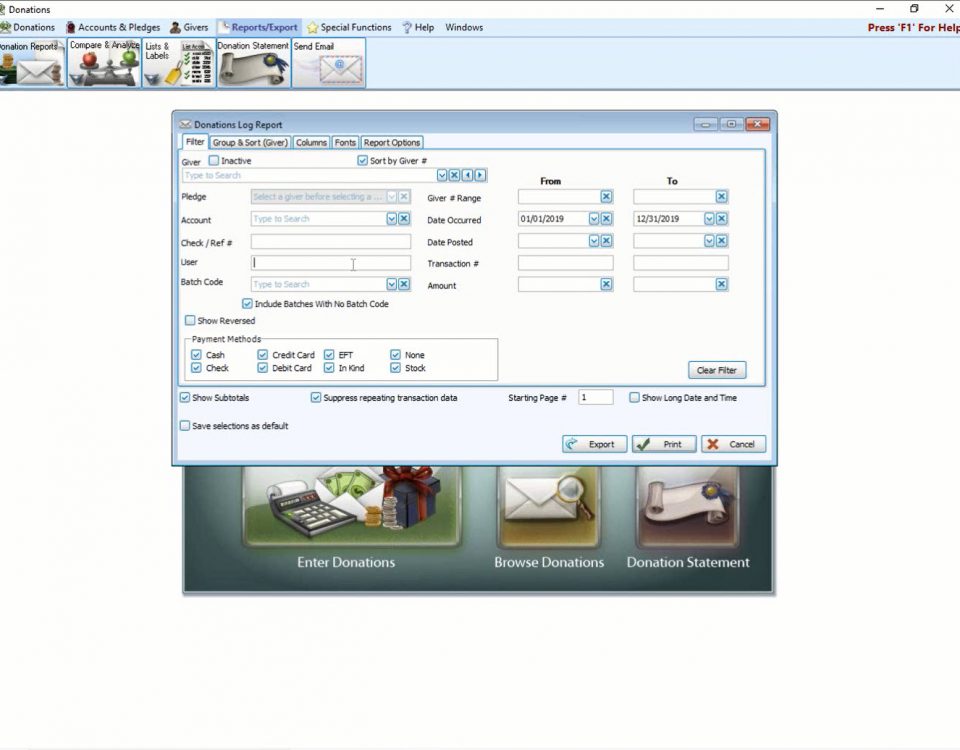
Donations: Report Selections (v24 & Newer)

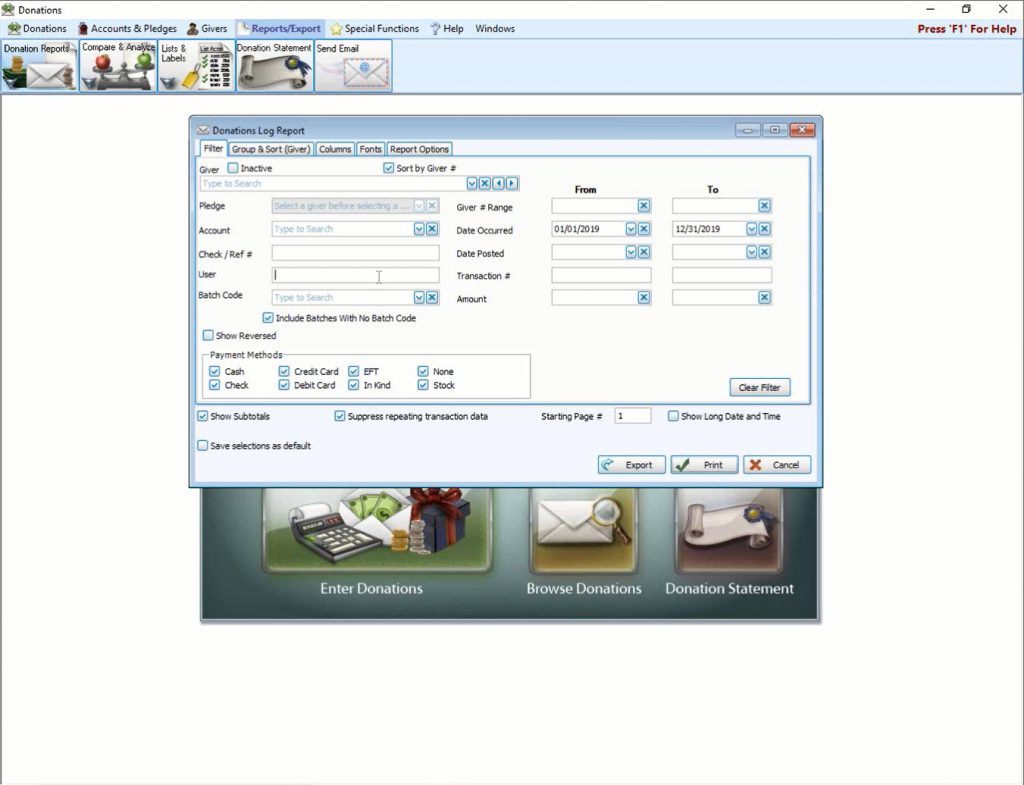
In this video, learn about reporting and filter options. Presented on 07/06/2023.
Do you like it?
Read more
July 10, 2023

How Do I Start?

Helpful videos and documents to get you started using Church Windows.
Do you like it?
Read more
July 19, 2023

Membership: Reporting Part 3

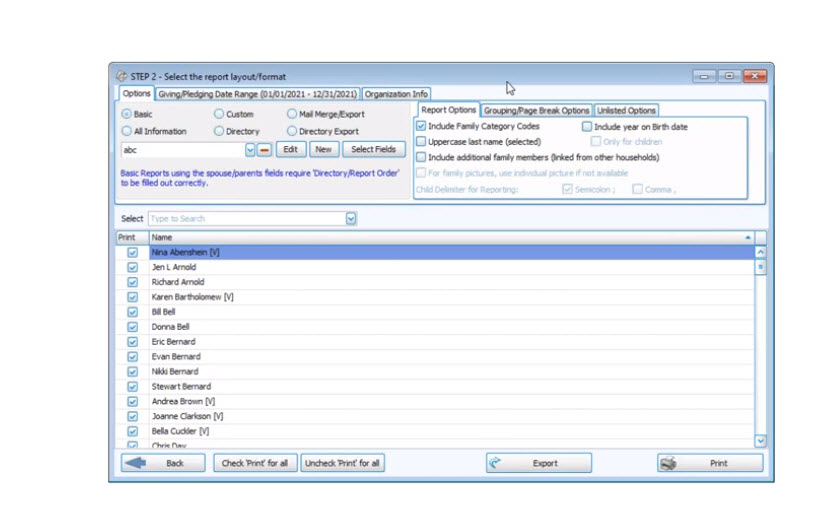
In this video, learn about the Directory, Mail Merge/Export, and Directory Export.  Presented on 07/19/2023.
Do you like it?
Read more
July 20, 2023

Membership: Report Designer (v24 & Newer)

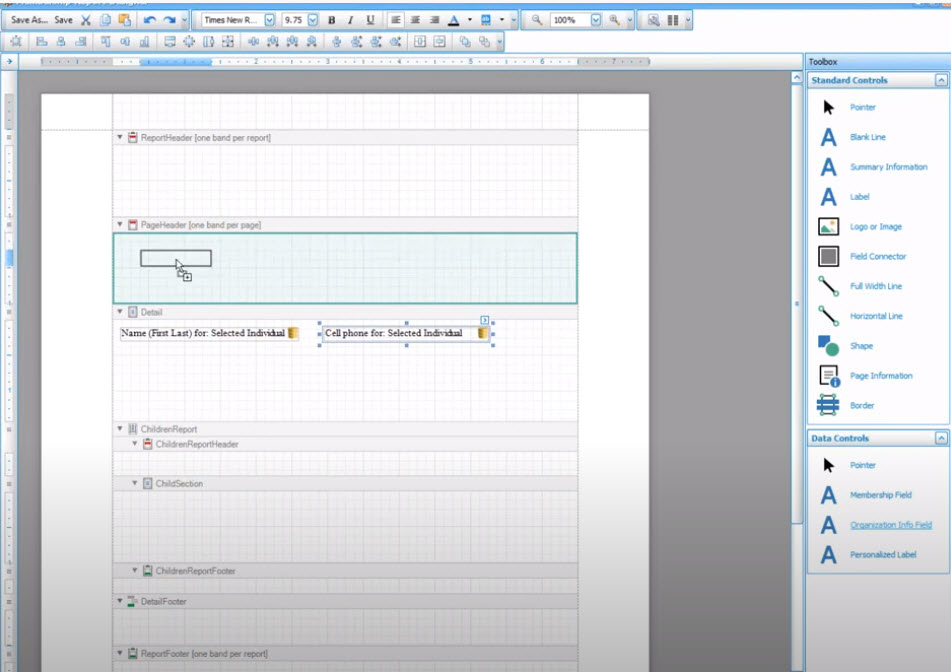
In this video, learn about Standard Controls and Data Controls.  Presented on 07/20/2023.
Do you like it?
Read more
Prev page
123456789101112131415161718192021222324
Next page

Phone & Hours

Call us: 800-533-5227
Fax: 614-939-9004

Phone Support Hours (All Times Eastern)
Mon – Fri: 9am – 5pm

January Phone Hours
Mon – Thu: 9am – 7pm
Fri: 9am – 5pm
Sat: 11am – 2pm

Important Links

  • Features
  • Free Demos
  • Pricing
  • Resource Center
  • Training Options
  • Contact Support
  • Contact Us
  • Terms and Conditions
  • Privacy Policy

Site Search

✕

Church Windows is honored to be again named a Hot Product for the 13th Consecutive Year!

Capterra Shortlist for Church Management Jul-22 Software Advice Frontrunners for Church Management Jul-22
Copyright 1987- Church Windows Software - Special thanks to Shout It Out Design