CW-Windows-Logo-HorizontalCW-Windows-Logo-HorizontalCW-Windows-Logo-HorizontalCW-Windows-Logo-Horizontal
  • Church Windows Software
    • Support Tiers & Pricing
    • Free Demos
    • Features
    • Why Church Windows?
    • Web v Desktop
    • System Requirements
  • Customer Support
    • Help Files
    • Free Training Webinars
    • Training Options
    • Resource Center
    • New Year Prep & Help
    • Download Updates
    • Contact Support
  • More
    • About Us
    • Our Partners
    • Subscription Login
    • Contact Us
0

$0.00

CONTACT US
✕
Not found text See all results
  • Filter by
  • Categories
  • Tags
  • Authors
  • Show all
  • All
  • v24
  • Known Issues v24
  • v25
  • v26
  • v27
  • v23
  • Membership
  • Contribution
  • CW Web
  • v22
  • End-of-Year
  • Scheduler
  • Financial
  • Donations
  • Known Issues v23
  • v21
  • How Do I Start
  • v20
  • Accounting
  • Payroll
  • System
  • v19
  • v18
  • v17
  • Module
  • v16 and Older
  • Other
  • Version
  • Legacy Version
December 7, 2023

Version 25: What’s New

In this video, learn the new features in 25.23. Presented on 12/07/2023.
Do you like it?
Read more
December 20, 2023

Payroll: How to add HSA to the W2

In this document, learn how to handle a HSA fully paid by the church or conference.
Do you like it?
Read more
February 8, 2024

Payroll: Paid Time Off

In this video, learn about Learn different setup options for Paid Time Off and how to use it during Calculate Pay.  Presented on 02/08/2024.
Do you like it?
Read more
February 21, 2024

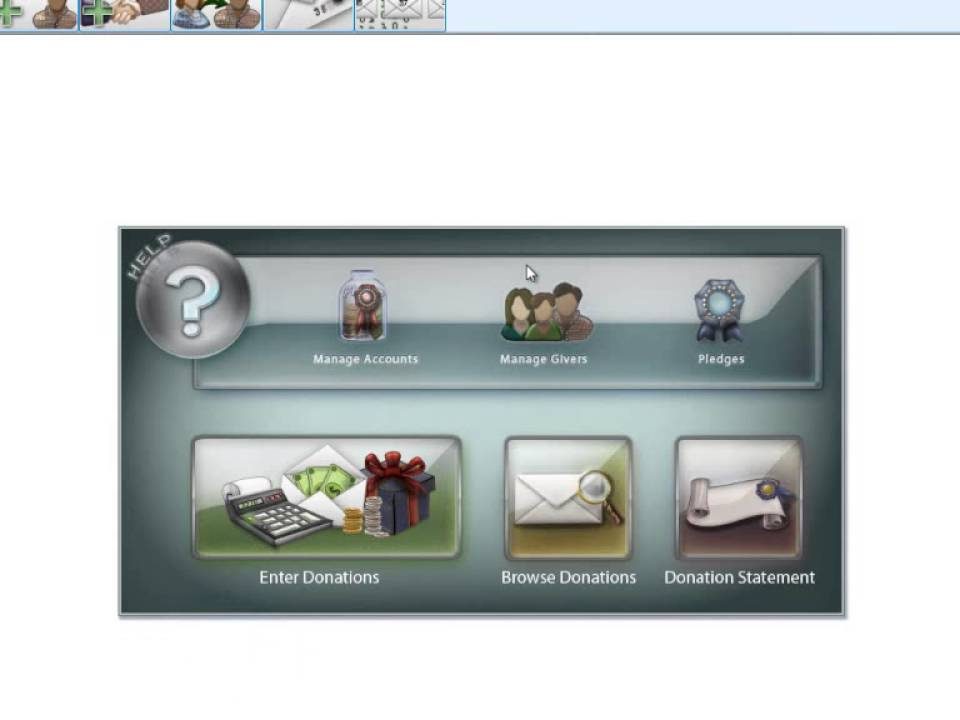
Donations: Transfer to Accounting (v25 & Newer)

In this video, verify Default Account Links are correct and view Posted Transfers.  Presented on 02/21/2024.
Do you like it?
Read more
March 7, 2024

Payroll: Tax Form Amendments (v25 & Newer)

In this video, learn how to make and submit changes to previously filed tax forms.  Presented on 03/07/2024.
Do you like it?
Read more
March 12, 2024

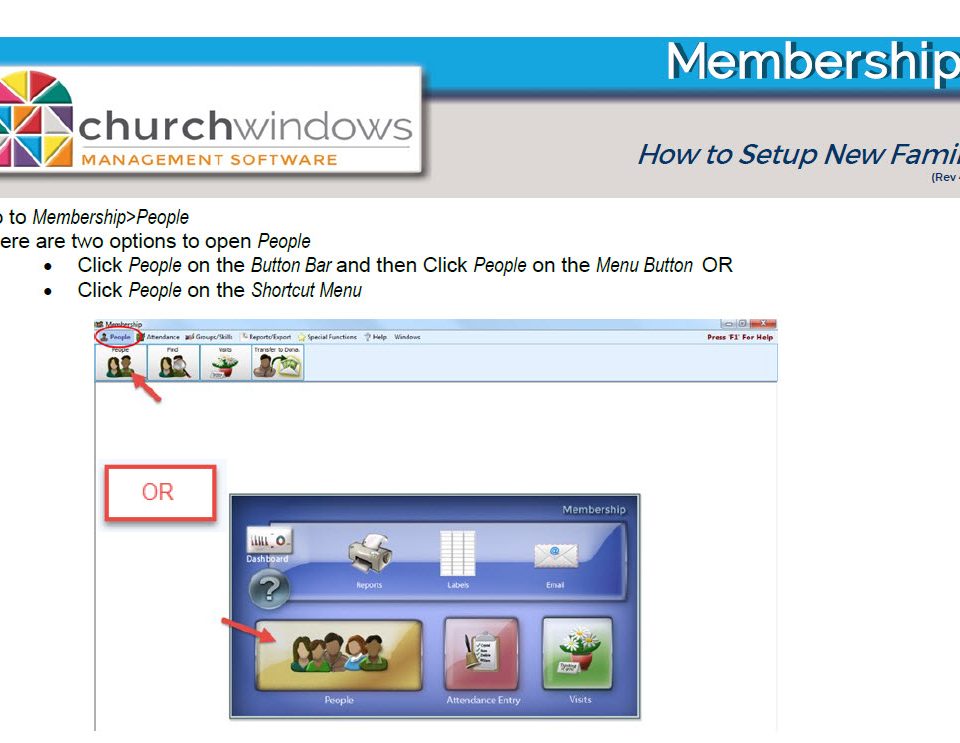
Membership: Directories (v25 & Newer)

In this video, learn how to create and generate customizable directories.  Presented on 03/12/2024.
Do you like it?
Read more
March 20, 2024

Donations: Importing from a Text File (v24 & Newer)

In this document or video, learn about Importing Giving using a .CSV or .TXT File. Presented on 03/20/2024.
Do you like it?
Read more
March 21, 2024

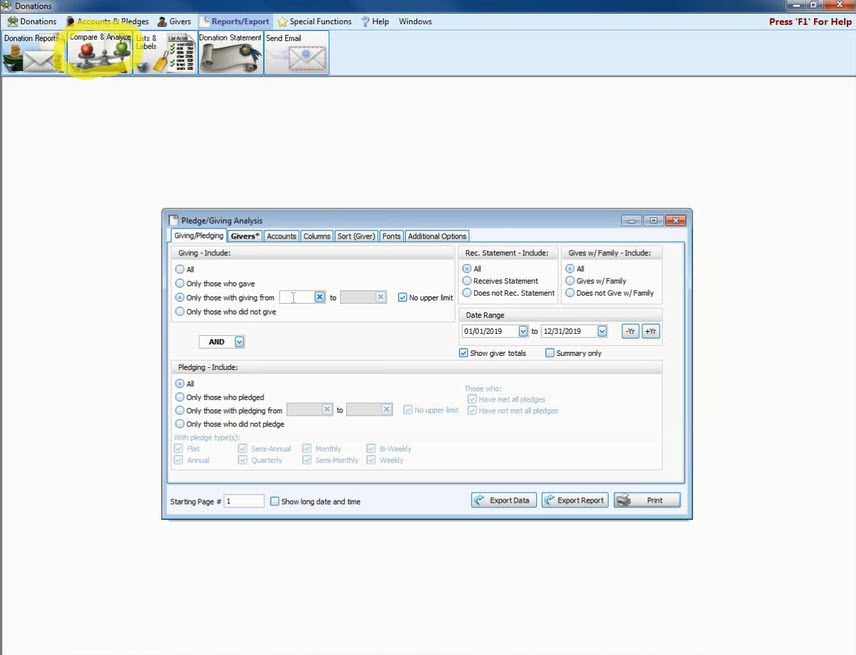
Donations: Pledge/Giving Analysis (v25 & Newer)

In this video, learn to manipulate this report in many ways to get a customized report. Presented on 03/21/2024.
Do you like it?
Read more
March 27, 2024

Payroll: Pay Period Reports (v25 & Newer)

In this video, learn about the Taxable Earnings, Pay Type Earnings, and Pay Period Deductions Reports. Presented on 03/26/2024.
Do you like it?
Read more
April 16, 2024

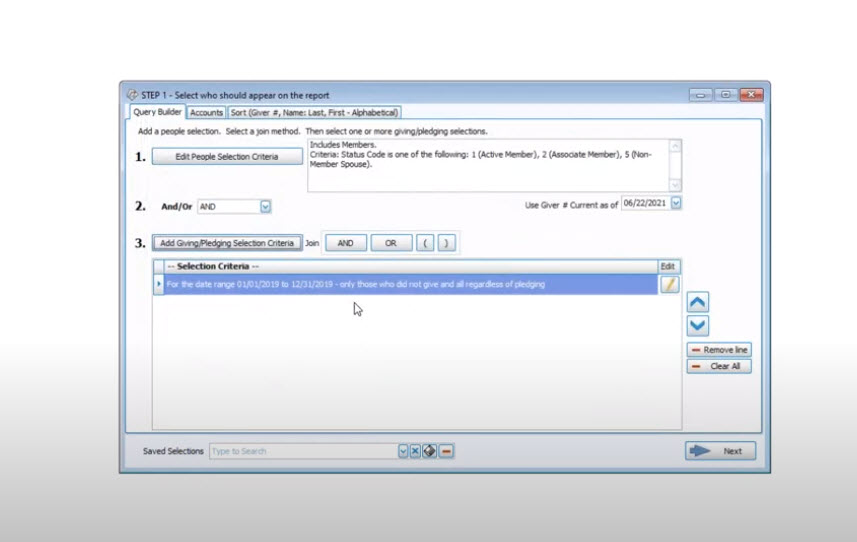
Membership: Step 1 Reporting (v25 7 Newer)

In this video, learn about Edit People Selection Criteria, Add Giving/Pledging Selection Criteria, Accounts Tab, Sort Tab, and Saving Criteria.  Presented on 04/16/2024.
Do you like it?
Read more
April 17, 2024

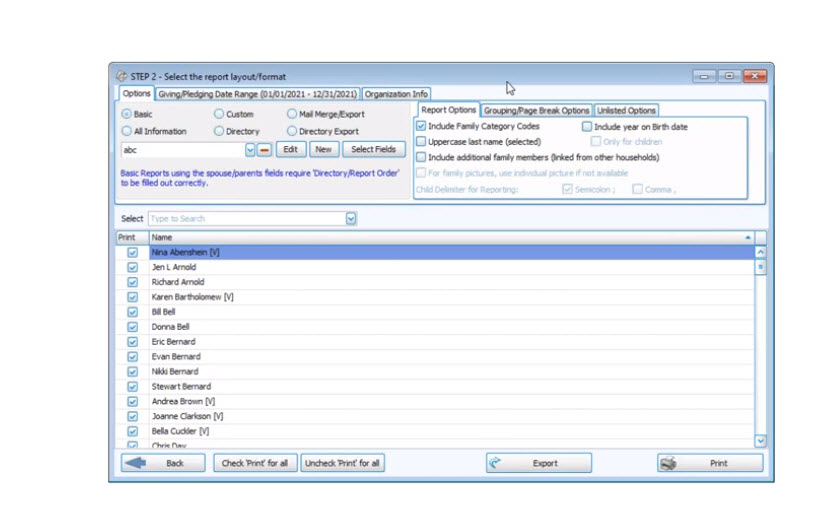
Membership: Step 2 Reports (v25 &Newer)

In this video, learn about the Basic Report Layout, Creating a new Basic Report, and All Information.  Presented on 04/17/2024.
Do you like it?
Read more
April 29, 2024

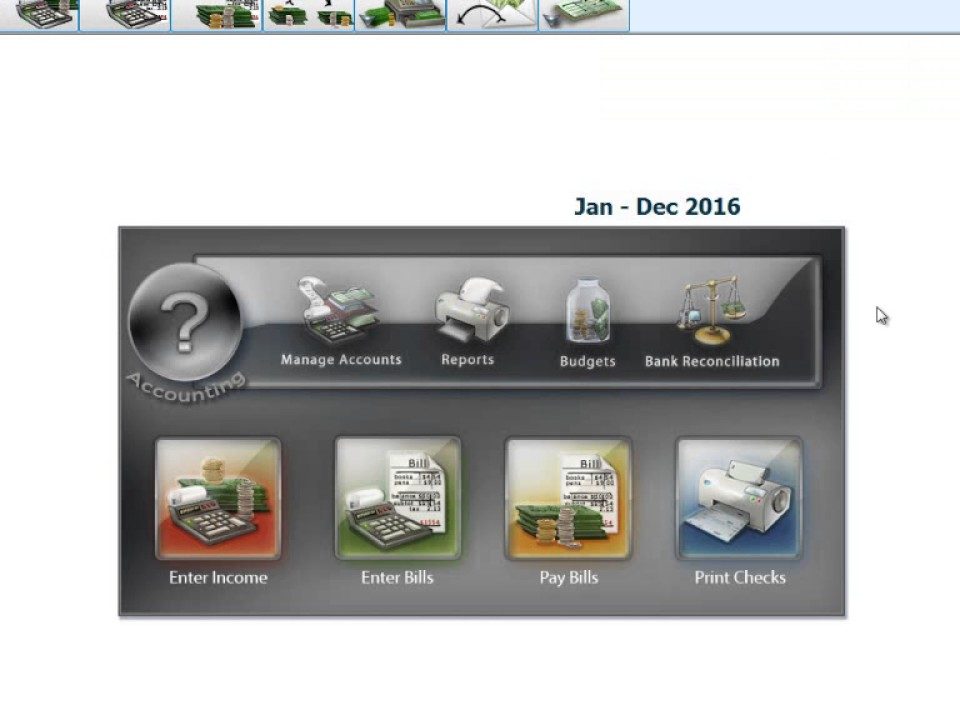
Payroll & Accounting: Pay Not Transferring (v25 & Newer)

In this video, learn what to do when your Payroll does not Transfer to Accounting.  Presented on 04/25/2024.
Do you like it?
Read more
Prev page
1234567891011121314151617181920212223
Next page

Phone & Hours

Call us: 800-533-5227
Fax: 614-939-9004

Phone Support Hours (All Times Eastern)
Mon – Fri: 9am – 5pm

January Phone Hours
Mon – Thu: 9am – 7pm
Fri: 9am – 5pm
Sat: 11am – 2pm

Important Links

  • Features
  • Free Demos
  • Pricing
  • Resource Center
  • Training Options
  • Contact Support
  • Contact Us
  • Terms and Conditions
  • Privacy Policy

Site Search

✕

Church Windows is honored to be again named a Hot Product for the 13th Consecutive Year!

Capterra Shortlist for Church Management Jul-22 Software Advice Frontrunners for Church Management Jul-22
Copyright 1987- Church Windows Software - Special thanks to Shout It Out Design