Transfer Report Options
Use the Transfer Report Options screen to print a report about batches in Donations either before or after you Transfer Donations to Accounting.
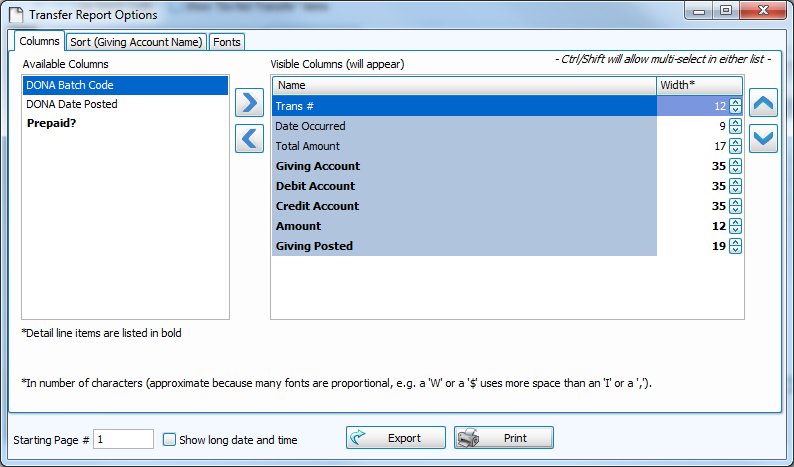
Choose any of the following tabs to apply additional settings:
Determines the order and the appearance of the columns displayed.
Organizes the information into the desired order (and groupings).
Sets the style and size of the typeface used to display the contents of the report.
Once you have made all of your selections, click Print to view a Print Preview and then proceed in sending the file to your printer. You can also Export most reports and/or Send via Email as a file to be used outside of Church Windows.
