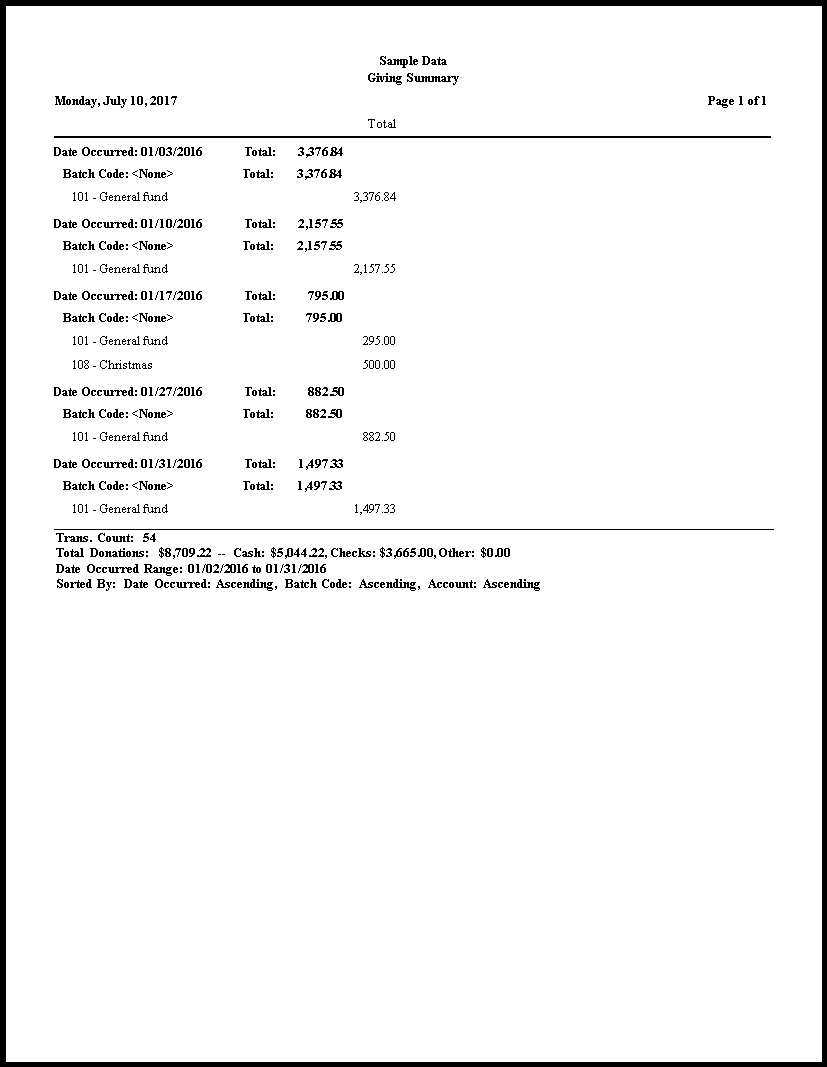
Giving Summary
The Giving Summary is a listing of the total donations by the date on which the donation took place, broken down by the amounts posted to each giving account. Donations entered with batch codes will appear distinctly according to the batch code for the date.
To view or print the Giving Summary:
- Click Reports/Export in the Button Bar at the top of the screen.
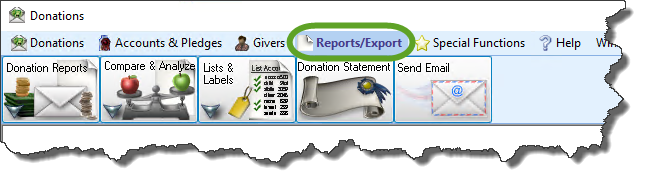
- Click the Donations Reports button that appears below.
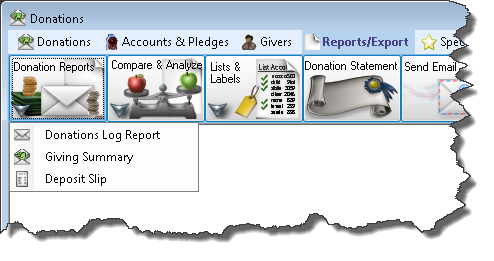
- Click the Giving Summary button that appears in the adjacent menu.
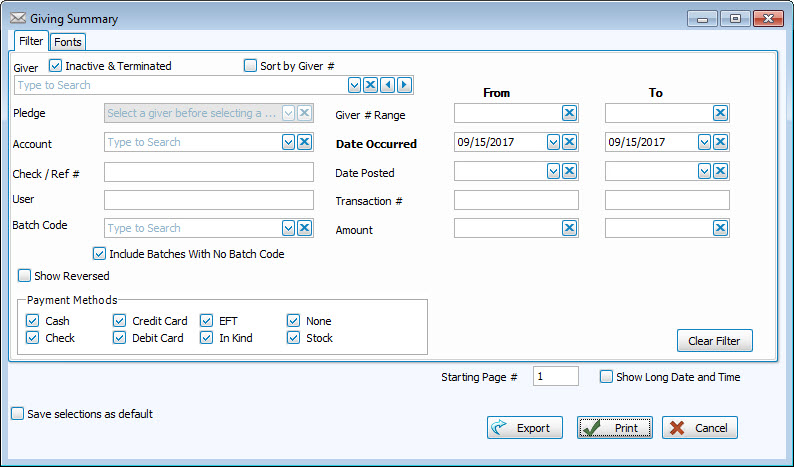
Use the options on the Filter Tab to specify the kind of information you want the Giving Summary to contain.
To change the typeface of the report contents, click the Fonts Tab to make the desired changes.
Once you have made all of your selections, click Print to view a Print Preview and then proceed in sending the file to your printer. You can also Export most reports and/or Send via Email as a file to be used outside of Church Windows.