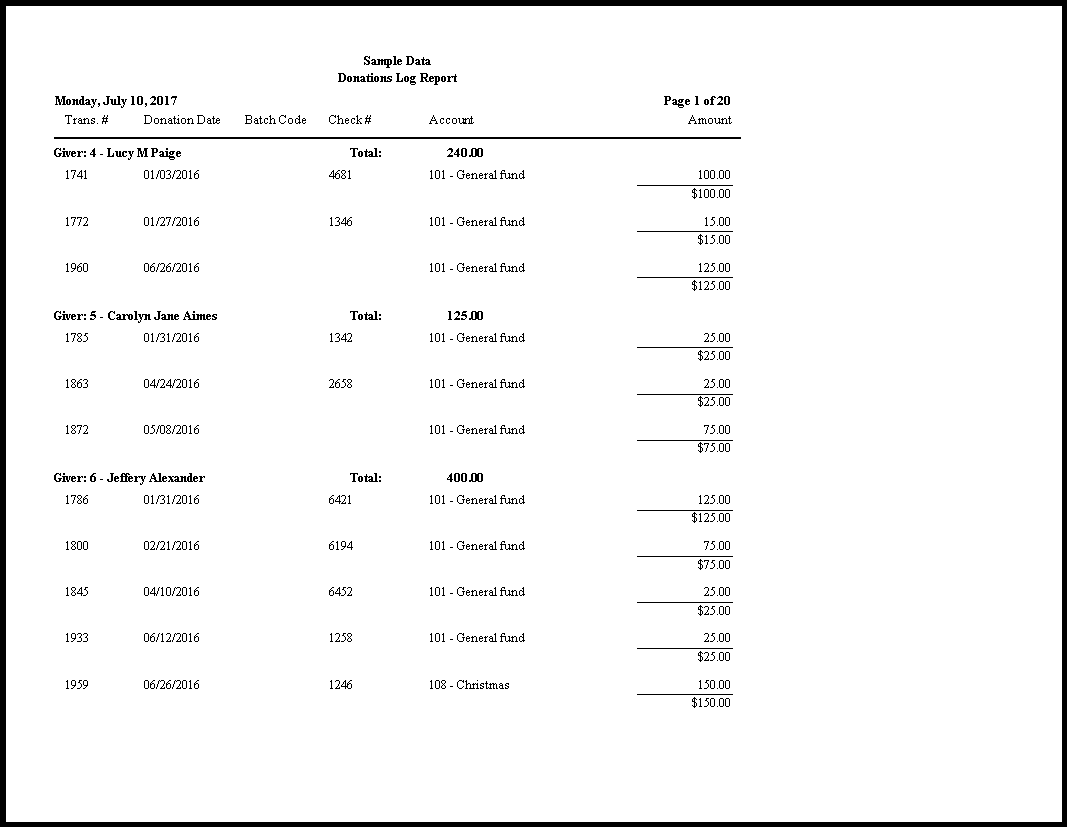
Donations Log Report
The Log Report (as well as the Donations Batch Report) shows all batches and the donations that were entered inside the batch.
To view or print the Log Report:
- Click Reports/Export in the Button Bar at the top of the screen.
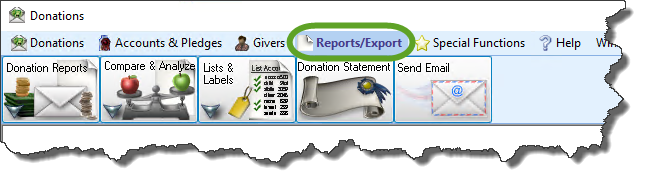
- Click the Donation Reports button that appears below.
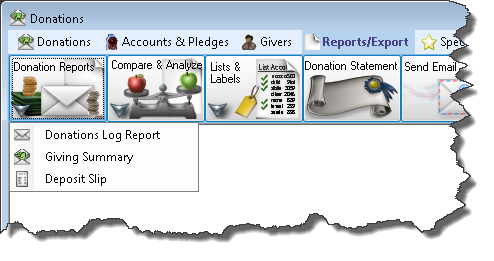
- Click the Log Report button that appears in the adjacent menu.
Use the fields of the Filter Tab to narrow down the giving information so that it shows you only the information that you seek:
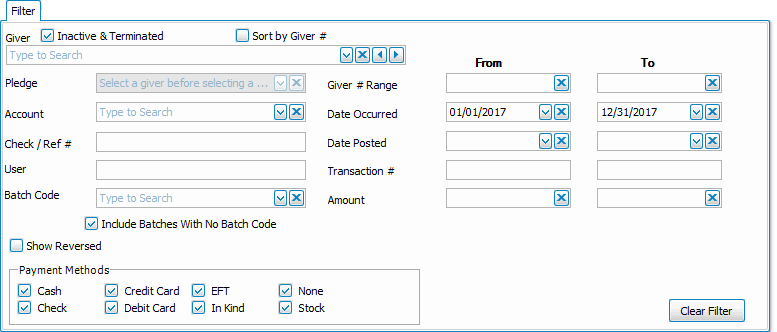
Choose any of the following tabs to apply additional settings:
Organizes the information into the desired order (and groupings).
Determines the order and the appearance of the columns displayed.
Sets the style and size of the typeface used to display the contents of the report.
Place a
checkmark to select which, if any, Family Categories indicators you want to include (e.g. [V] for Visitor, [D] for Donor, etc.)
Once you have made all of your selections, click Print to view a Print Preview and then proceed in sending the file to your printer. You can also Export most reports and/or Send via Email as a file to be used outside of Church Windows.