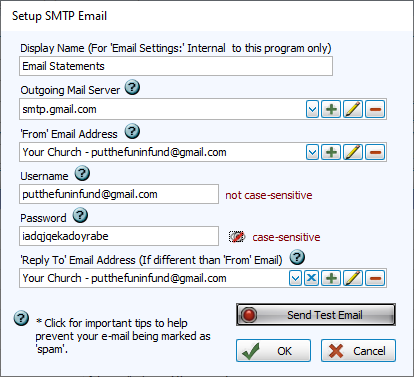
Gmail App Password
Church Windows now integrates directly with Gmail accounts in v26.24.1. See Gmail Integration for verification and set up information.
Gmail requires third-party applications, such as Church Windows, to use a special app password, generated in the security settings of your Gmail account.
Generate a Gmail App Password
-
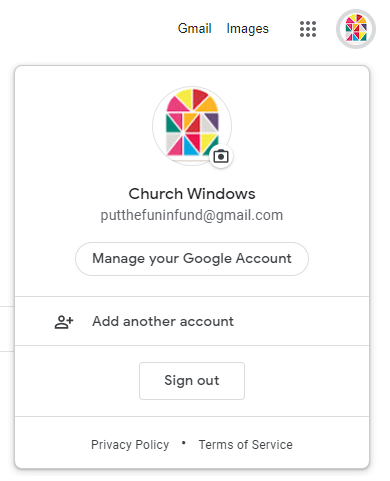
Log into your Gmail Azccount. Click Manage your Google Account.
-
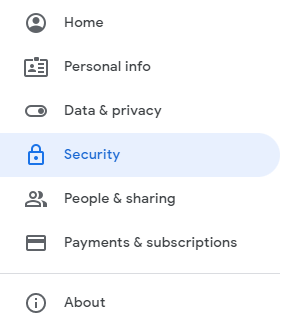
Select Security from the upper left menu.
-
Enable 2-Step Verfication.
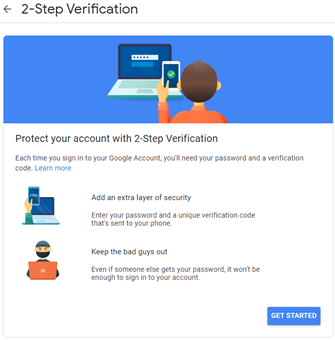
 2-Step Verificati1on
In order to use the App Password Gmail feature, you'll need to have 2-Step Verification enabled. This involves using an alternate form of confirmation that you are an authorized users on the account.
-
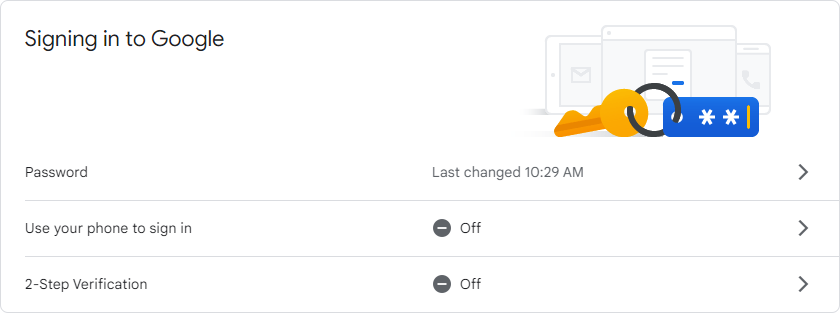
Under Signing in to Google under Security, Click 2-Step Verification.

-
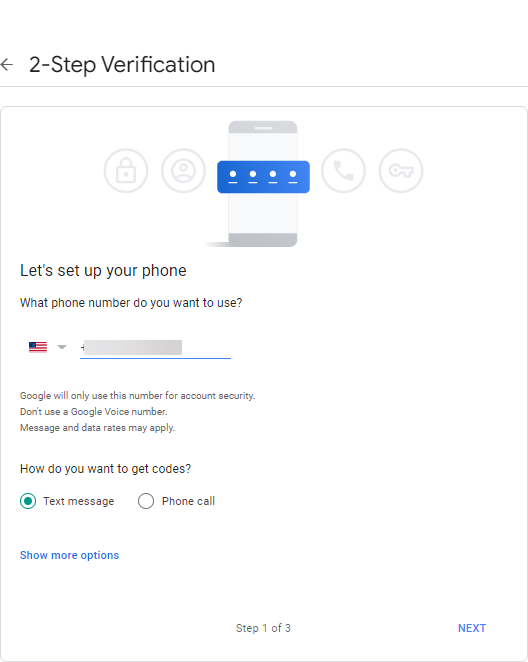
Link a phone number.
-
Receive verification code.

-
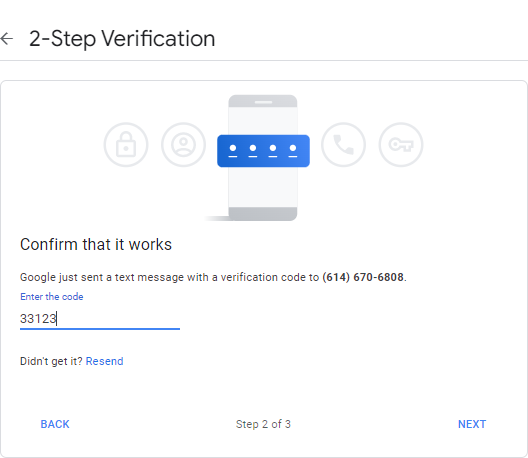
Confirm code.
-
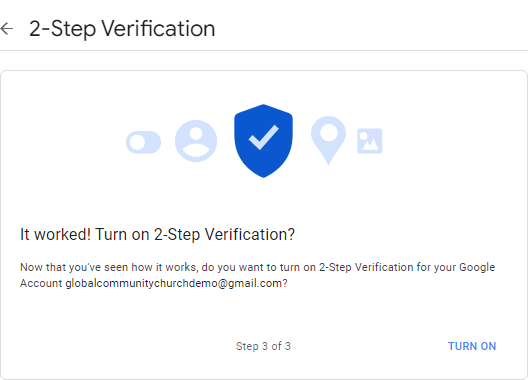
Turn on 2-Step Verfication.
-
-
Create an App Password
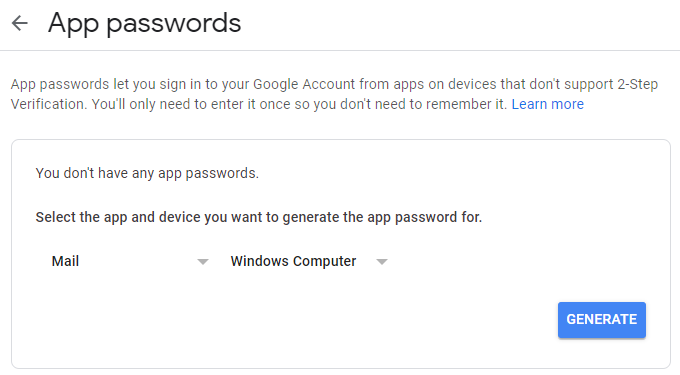
Choose Email and Windows Computer, or you can name Church Windows if you wish to keep track of multiple apps.
-
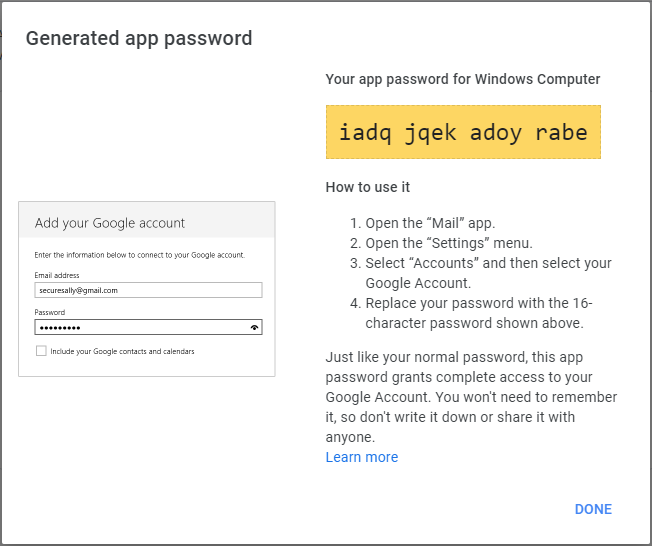
Enter new password into Email Settings.