EFT Copy
EFT copy allows you to save the .dat file from an already calculated and created EFT transaction.
Access EFT Copy
To access from the Button Bar, go to Direct Deposit/EFT > EFT Copy

Save a Copy of an EFT File
-
Open the Create EFT window by going to Direct Deposit/EFT > EFT Copy
-
Select the date to duplicate.
Clicking the down arrow will show a table with dates, times and whether it was a pre-notification file.
-
The File Location is where the .dat file will save. Change the location by clicking
 .
. -
Click
 .
. -
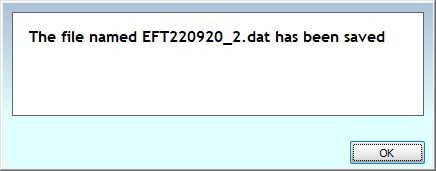
Click OK to confirm.