Pre-Notify
Prenotification allows you to ensure that you have valid account set ups for your church and employees. This file is uploaded to your bank so that they can verify the information. No money is moved or sent in this process.
Banks each have their own time frame for processing.
Access Pre-Notify
To access from the Button Bar, go to Direct Deposit/EFT > Pre-Notify

Create a Pre-Notification File
-
Open the EFT Prenotification Wizard by going to Direct Deposit/EFT > Pre-Notify.
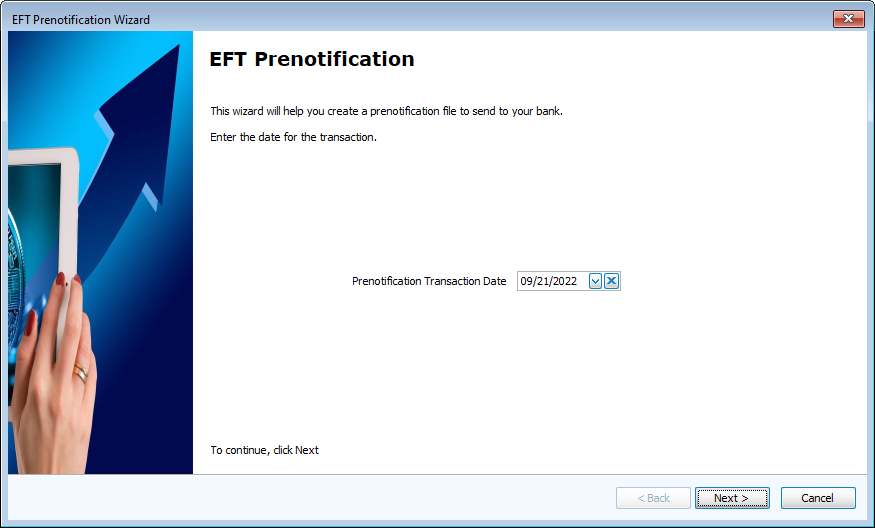
Choose a Prenotification Transaction Date.
-
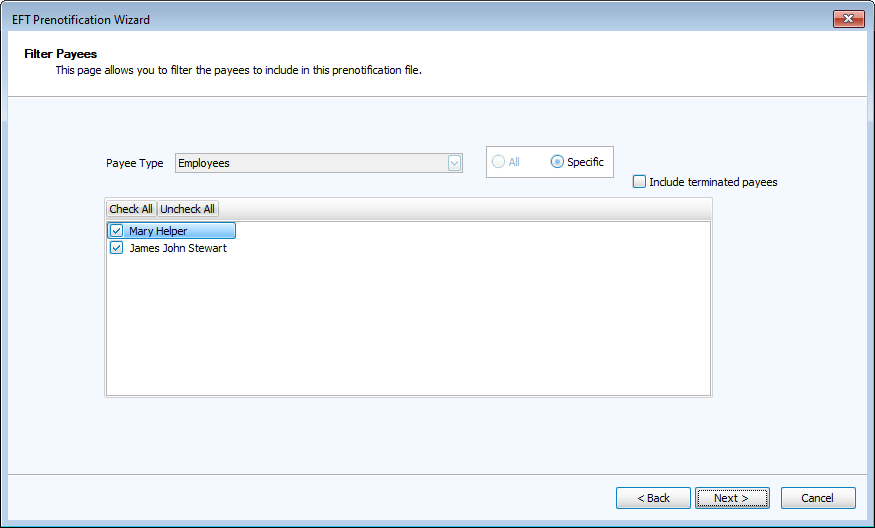
Filter Employees. Independent Contractors are not able to be paid through direct deposit.
-
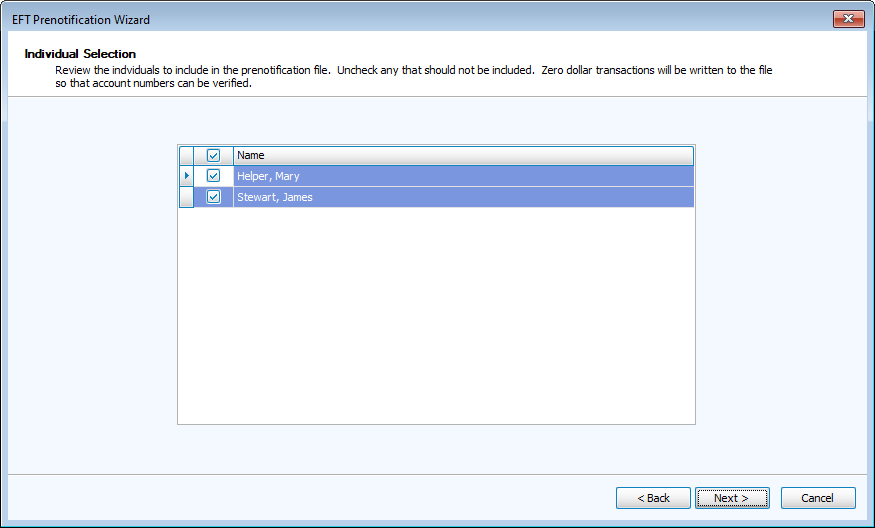
Select specific individuals, if needed.
-
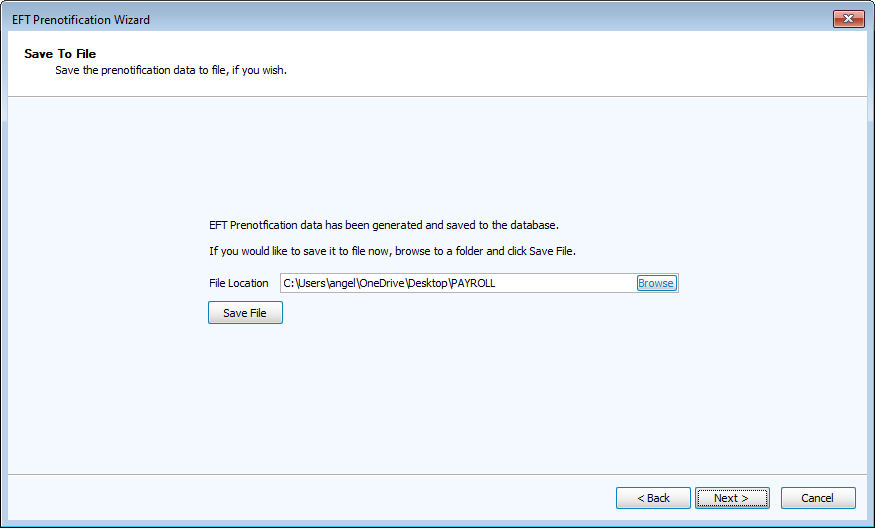
The File Location is where the .dat file will save. Change the location by clicking
 .
.Click
 .
.
-
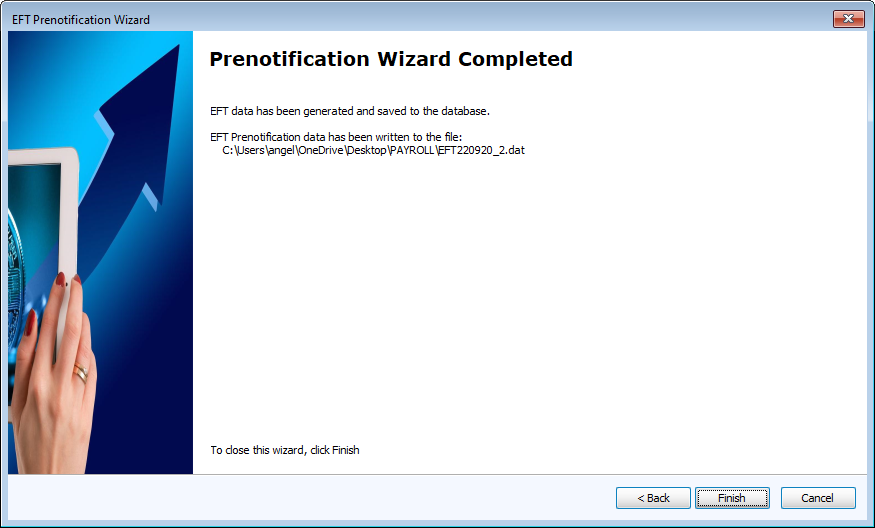
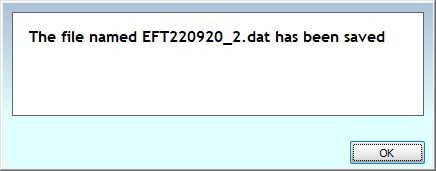
Once the file has been created, you'll see this confirmation message.
-
Click Finish to complete.