Group Health
Access Group Health
To access from the Button Bar, go to Payroll > Group Health

Post Group Health Benefits
-
Post Date
-
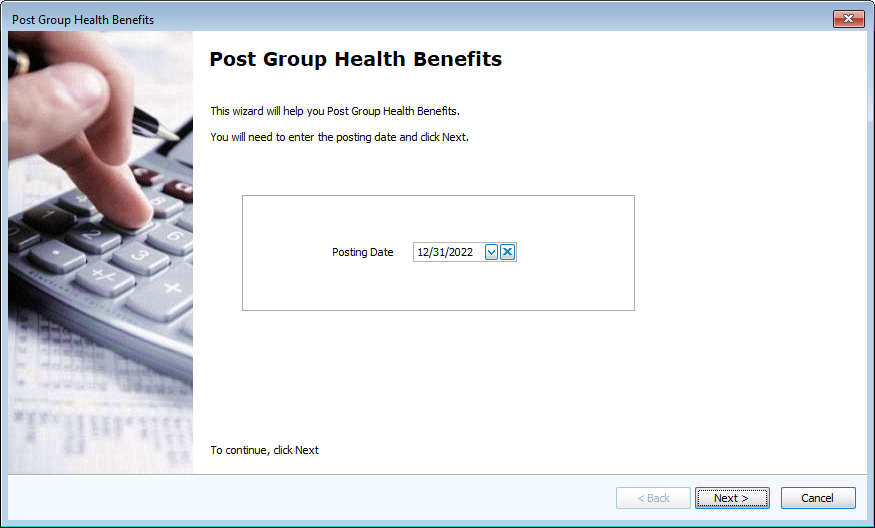
Enter the date to calculate Group Health Benefits. The program defaults to the last day of the year.
-
-
Filter Payee Types
-
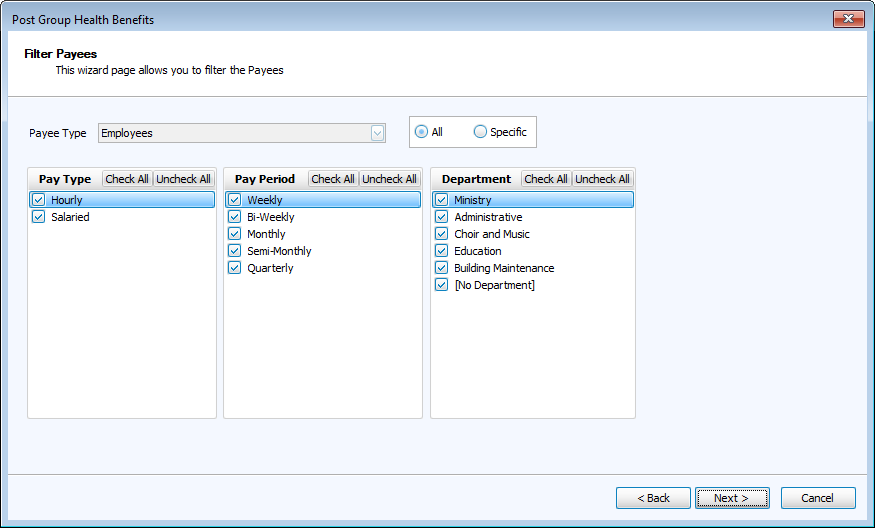
Use the Payee Type drop down to select either Employees or Independent Contractors.
-
Optionally filter by Pay Type, Pay Period or Department for all employees.
-
Select Specific to choose individual employees or contractors by name.
-
-
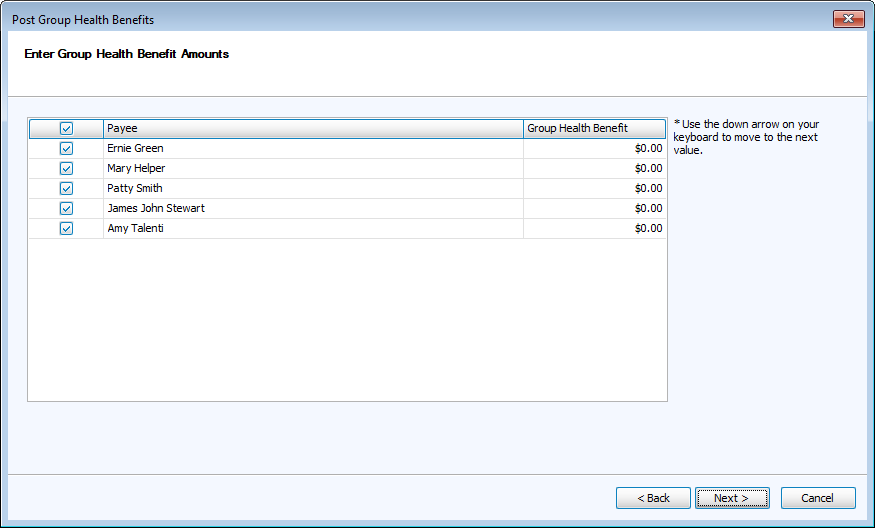
Enter Group Health Benefit Amounts
-
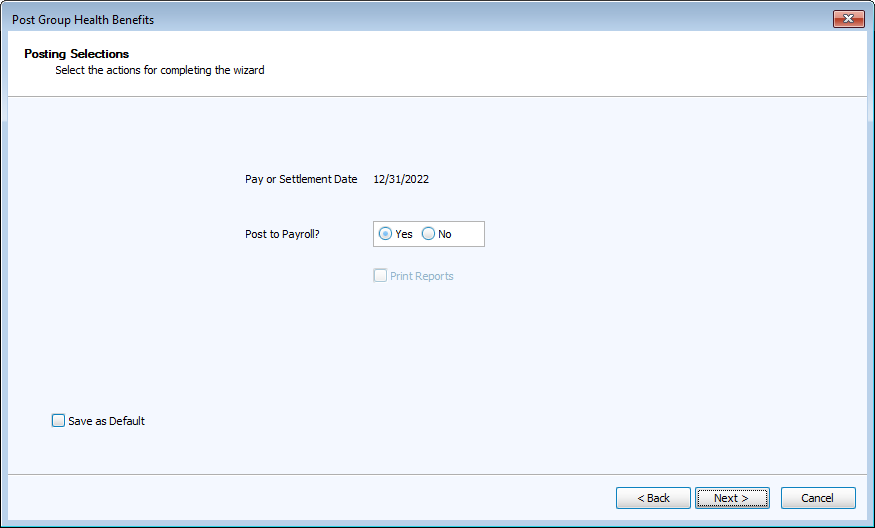
Post