Miscellaneous Tax
The Miscellaneous Tax wizard is for taxes that are often from the state or county.
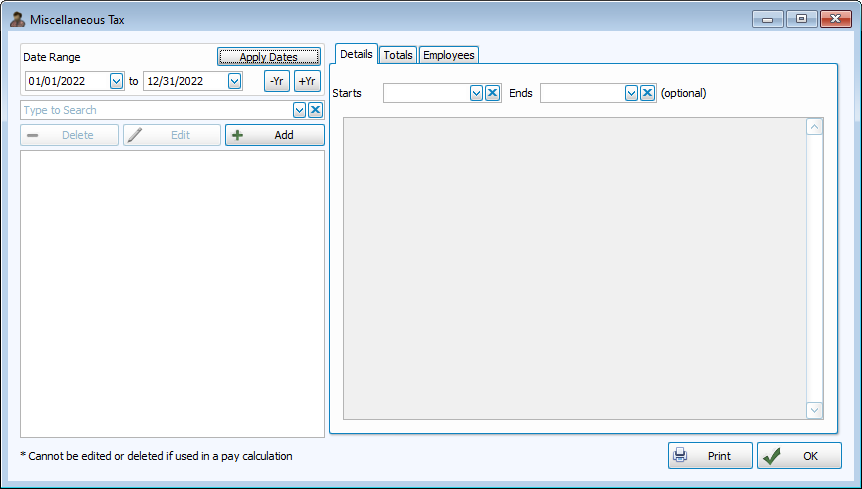
Access Miscellaneous Tax
To access from the Button Bar, go to Data Setup > Misc Tax

Setup New Miscellaneous Tax
For this example, we'll be using the 2022 California State Disability Insurance Miscellaneous Tax.
-
Description and Dates

Enter a description and abbreviation, as well as a start date. End dates can be left blank to continue indefinitely.
-
Hours Based
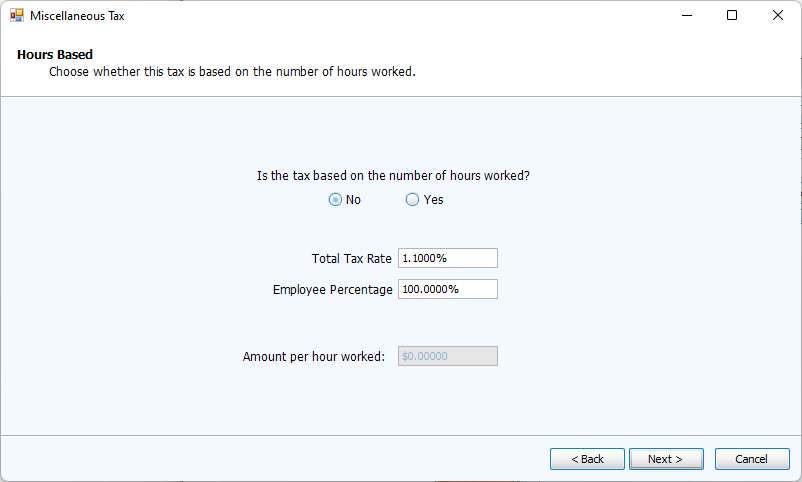
Enter the Tax Rate or Amount per Hour Worked. If the tax is split between employee and employer, enter that percentage.
-
Tax Limit
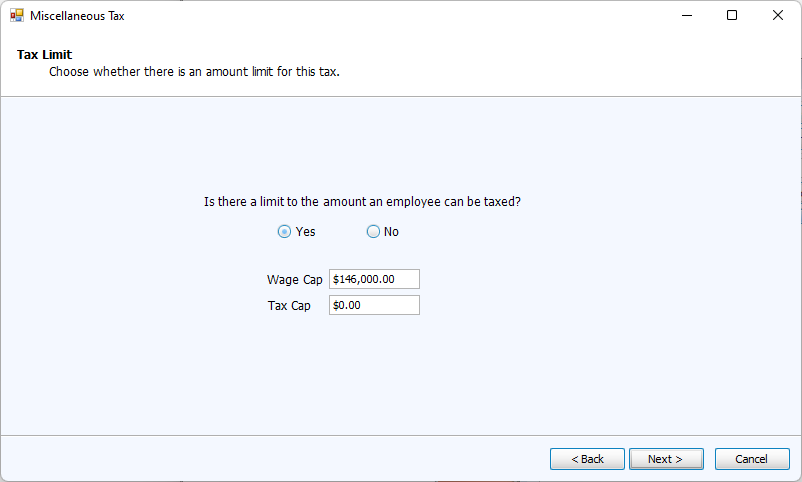
Enter limitations either based on the maximum tax amount or wage cap.
-
Other Selections
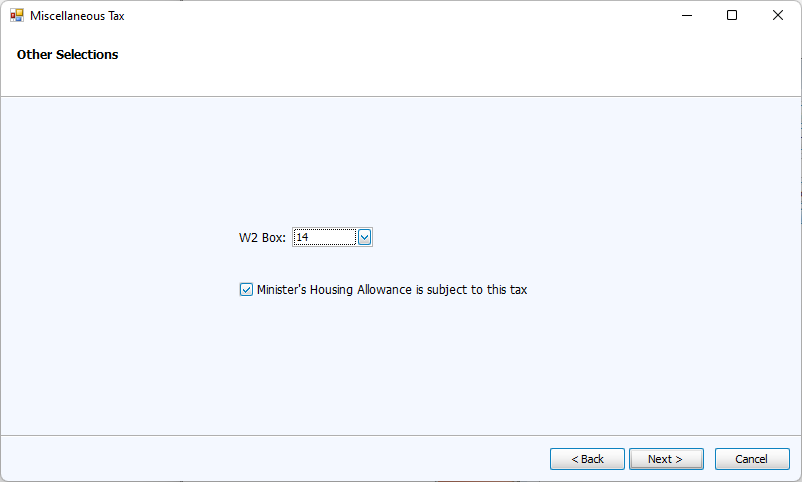
Designate the W2 box, if any, where this should be included and whether or not a housing allowance is subject to the tax.
-
Confirmation
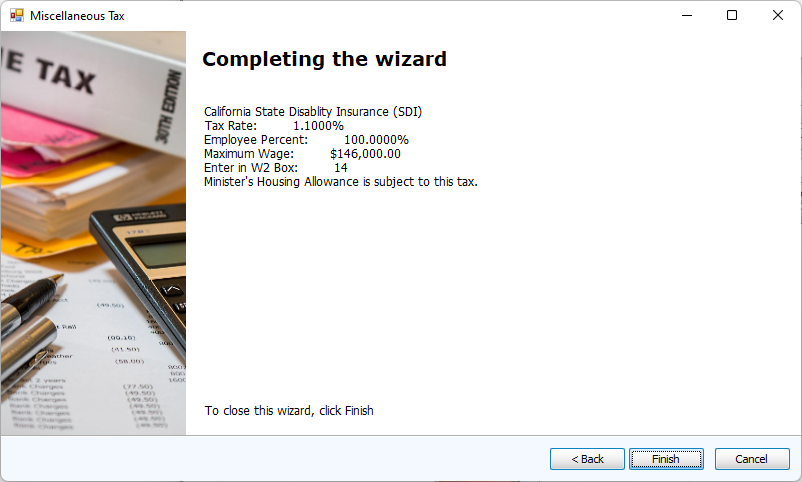
The last screen of the wizard will summarize the new Miscellaneous Tax. Click Finish.