About Accounting
The Accounting module uses fund accounting methods and practices to track financial activities. In this module, you'll build your Chart of Accounts and keep track of fund balances, create budgets and projections, and record financial transactions. You'll also come here to print checks, financial statements, and reports. You can also use Accounting to perform bank reconciliations. Accounting integrates with Donations and Payroll to import deposit information from entered giving and to record Payroll expenses.

Open Accounting from the Initial Portal of Church Windows.
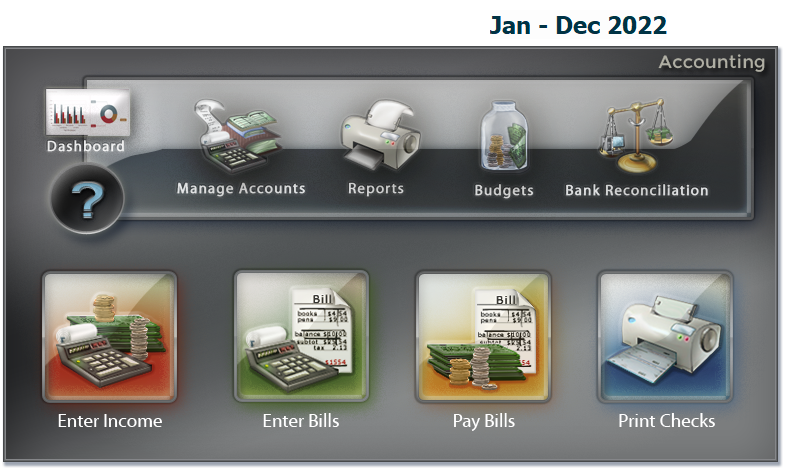
From the opening screen, you can use the Quick Access Buttons in the center to shortcut over to some of the more popular areas of Accounting. Along the top menu bar, select the Transactions, Manage Accounts, Budgets, Reports/Export, and Special Functions menus. Making a selection will display that menu on the Button Bar.









 Reports/Exports

Financial Reports include Balance Sheet, Fund Activity Report, and Treasurer's Report

Transaction Reports include Check Register, Deposit Slip, General Ledger, and Transaction Journal

Worksheets include Accounts Payable Report, List Chart of Accounts, Summary of Cash Activity, and Trial Balance


Tax reports include Form 1096 and Form 1099-MISC, 1099-NEC




