Delete Historical Donations Data
Delete Historical Data is an ability enabled on the Donations Security screen. This allows for the deletion of donations data older than 7 years.
We highly recommend that you Backup Data before performing this action.
Access Delete Historical
To access from the Button Bar, go to Special Functions > Delete Historical

Deleting historical data will erase all of the Donations data for the selected year. This would include all Donations entries and giving history for those years. Do not use this function if you would like to be able to run reports for lifetime giving.
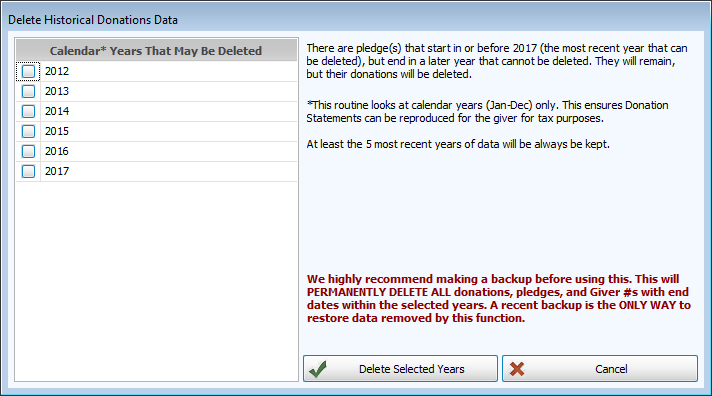
From the Delete Historical Donations Data screen, check the years you want to delete.
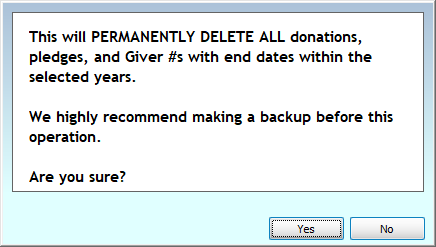
Click  and confirm the selection or click
  to exit without making changes.