List Giver Numbers
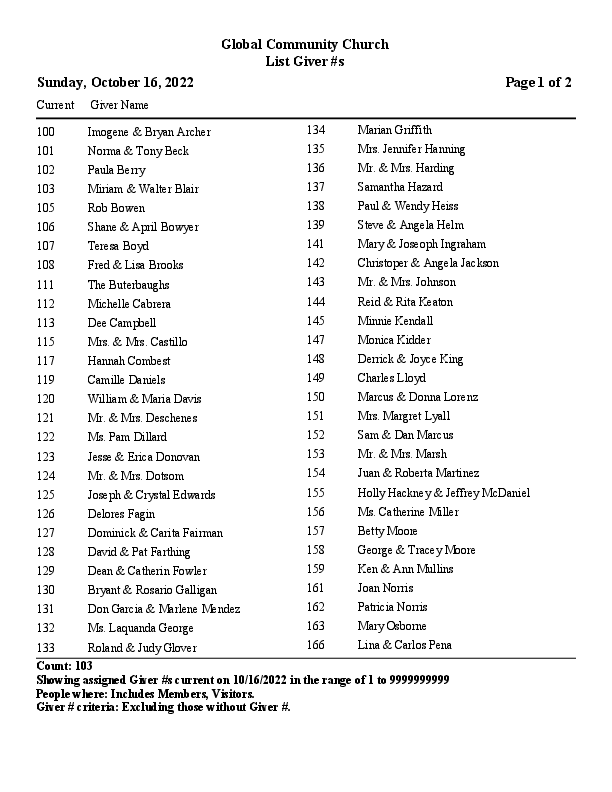
List Giver Numbers is a simple report that provides a list of number assignments.
Access
To access from the Button Bar, go to Reports/Export > Lists & Labels > List Giver #s

To access from Manage Numbers, click 
Report Setup
Options
-
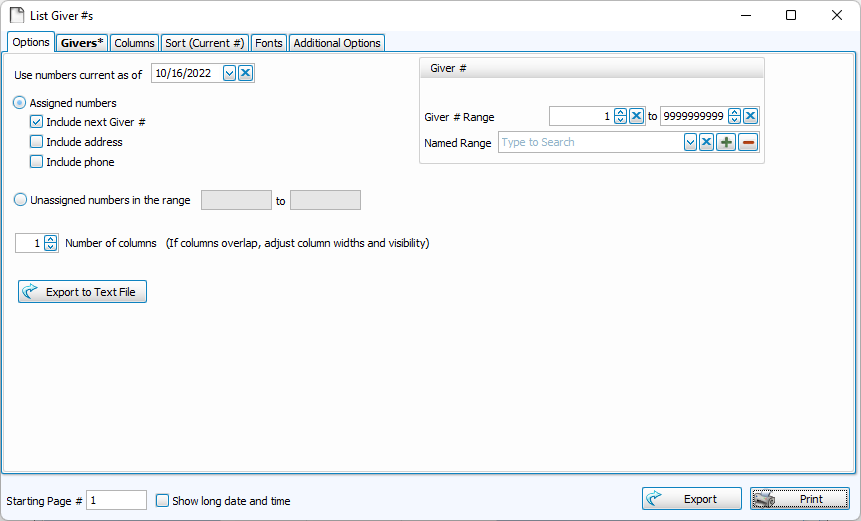
Use Giver Numbers as of classifies numbers assigned to people and giving units on those dates as current.
-
Choose to create a report of current assignments or numbers available within a range.
-
Add or reduce columns on the Options tab. Determine columns and widths on the Columns tab.
-
 exports a .txt or .csv file of giver numbers.
 -
Giver Number Range allows you to filter the report.
Givers
-
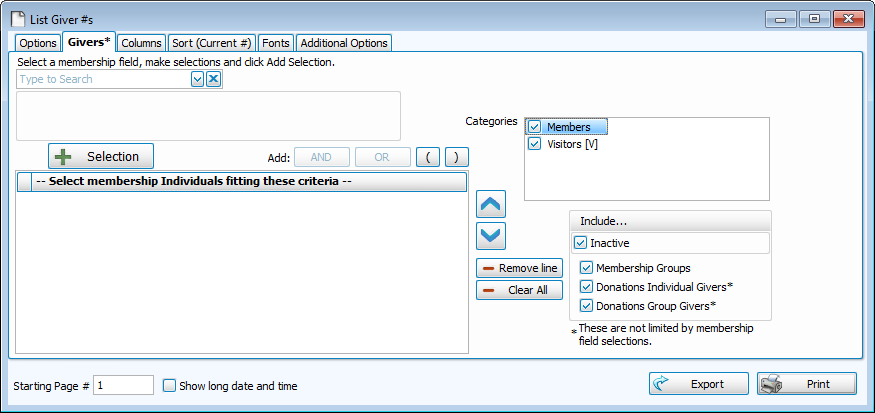
The Giver tab allows you to use Membership criteria, Family Category, or Record type to filter givers.
Columns
-
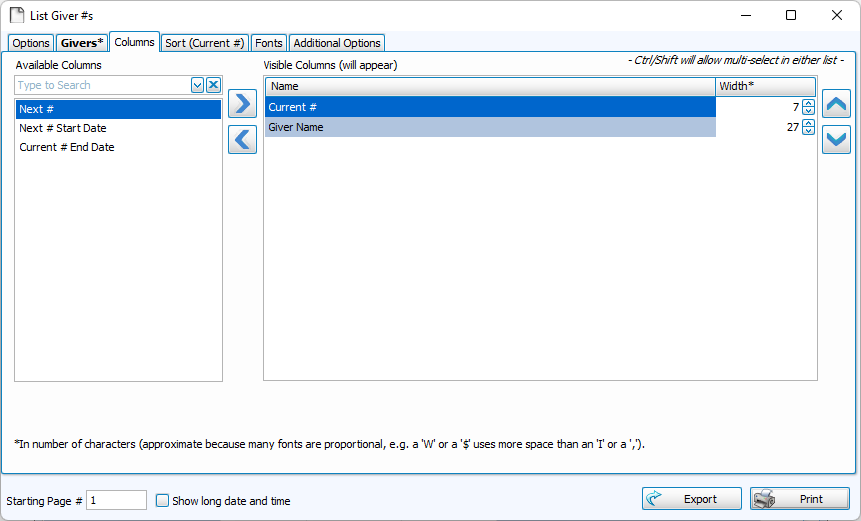
Move columns you want to include to the right, and columns you want to exclude to the left.
-
Use the
 and
and  or double click to move a column to the opposite side.
 -
To select multiple columns at once
-
Click + CTRL - Selects multiple lines in any order
-
Click + SHIFT - Selects a range of lines in row
-
-
Determine the width of a column by character count. Change or abbreviate how a column is titled by editing Report Column Header.
Sort
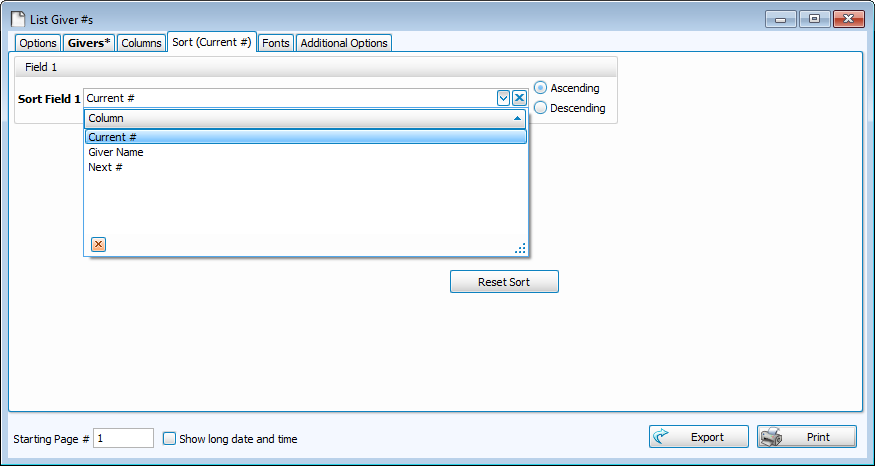
Sort fields allow you to order information. The first takes priority, when those are all the same, the program will sort within that section by the selection in the second, and then the third.
-
Sort in Ascending (A-Z, 0-9) or Descending (Z-A, 9-0) order.
-
Click
 to restore defaults.
Fonts
-
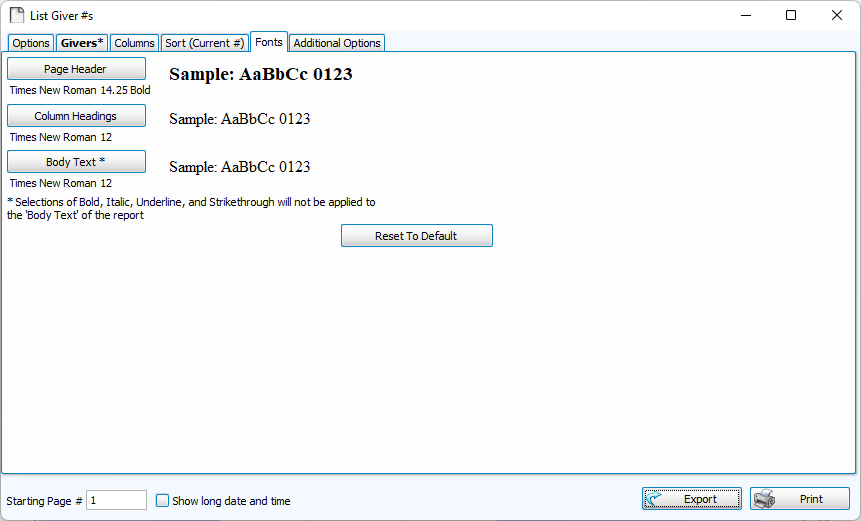
The Fonts tab is where you can control the typography of your report.
-
Click
 to restore the default 9.75 Times New Roman.
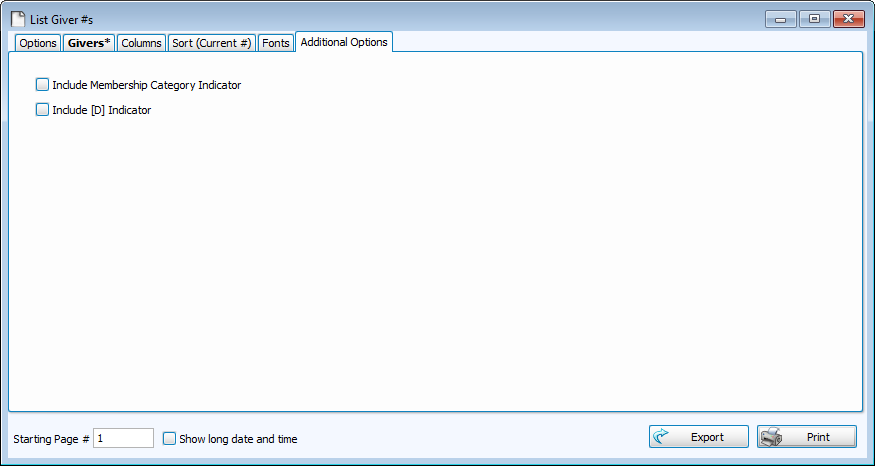
Additional Options