Transfer Donations Records to Membership
Transfer Donations Records of those who need their record with giving history available in Membership.
Access Transfer Donations Givers to Membership
To access from the Button Bar, go to Givers > Transfer to Membership

Transfer Records
-
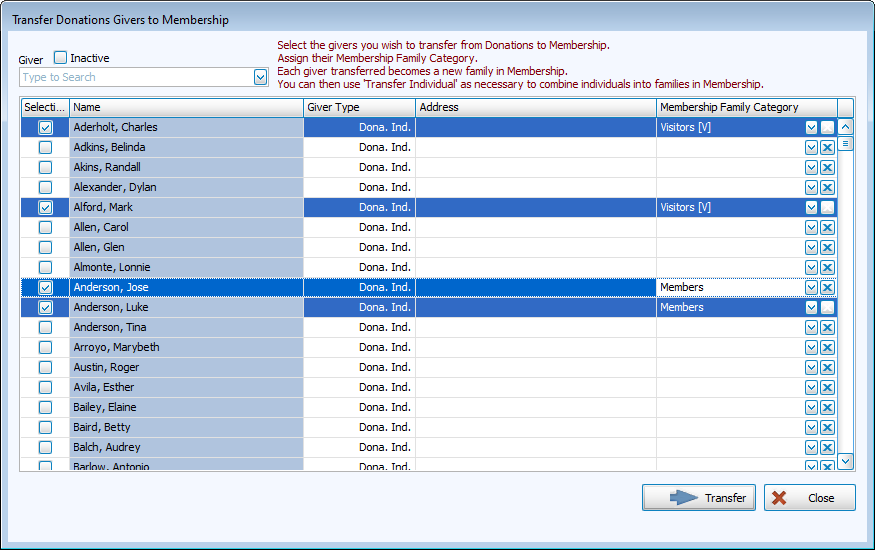
Select records to transfer.

All Donations records will be displayed in the grid. Check the Selection column or search for their name in the Giver dropdown. Include Inactive Donations records with the check box.
-
Assign Membership Family Categories.
-
Click
 to continue.
 -
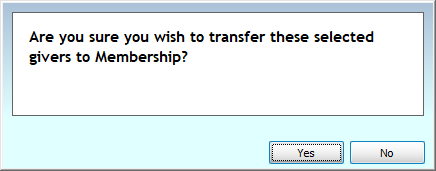
Confirm the transfer.