Order Accounts
Order accounts allows you to change the order of the account dropdown displayed in Enter Donations.
Access Order Accounts
To access from the Button Bar, go to Accounts & Pledges > Order Accounts.

To access from Enter Donations,  click the Sort on the account line.
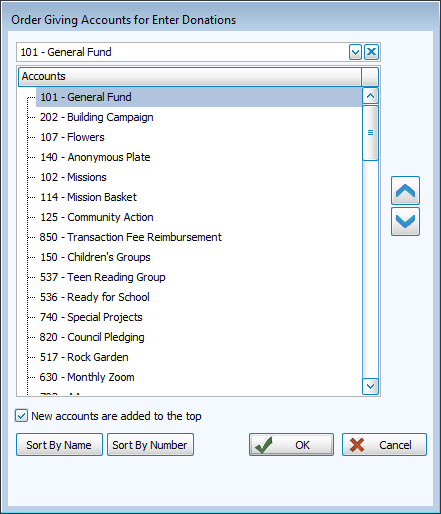
Sort Options
-

-

-
Custom sort by selecting an account and moving it to a new position with the
 and
and  buttons.
You might consider moving seasonally appropriate giving accounts towards the top of the list during those time periods to facilitate donation entry.