Batch Codes
Batch codes are labels that can be assigned to groups of donations to categorize them. A batch of donations are posted together and share the same donation date.
Common uses of batches codes include;
-
Distinguishing special events from regular giving
-
Separating batches of online donations
-
Differentiating between multiple service times on the same day

Access Batch Codes
To access from the Button Bar, go to Donations > Batch Codes.

To access from Enter Donations, click the plus next to the batch code field.

Manage Batch Codes
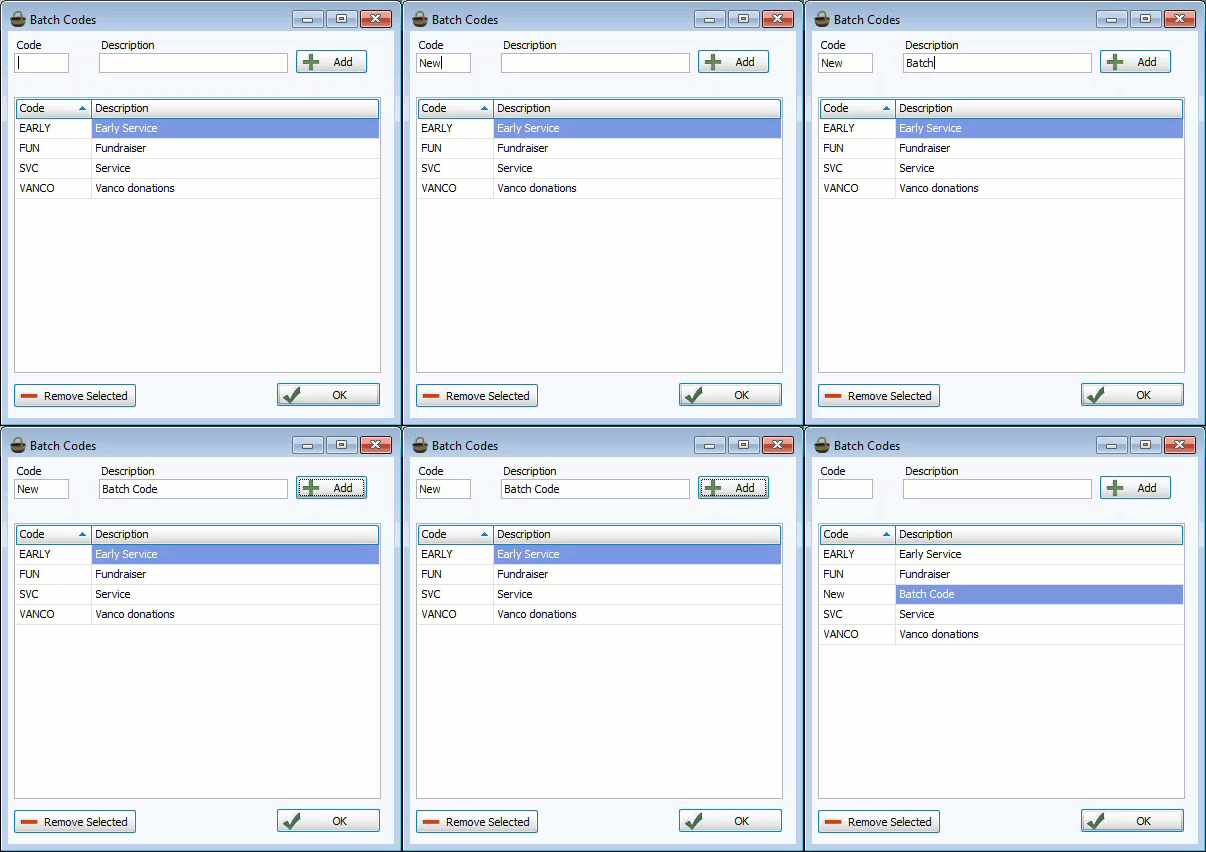
Add a Batch Code
-
Enter a code abbreviation and description
-
Click

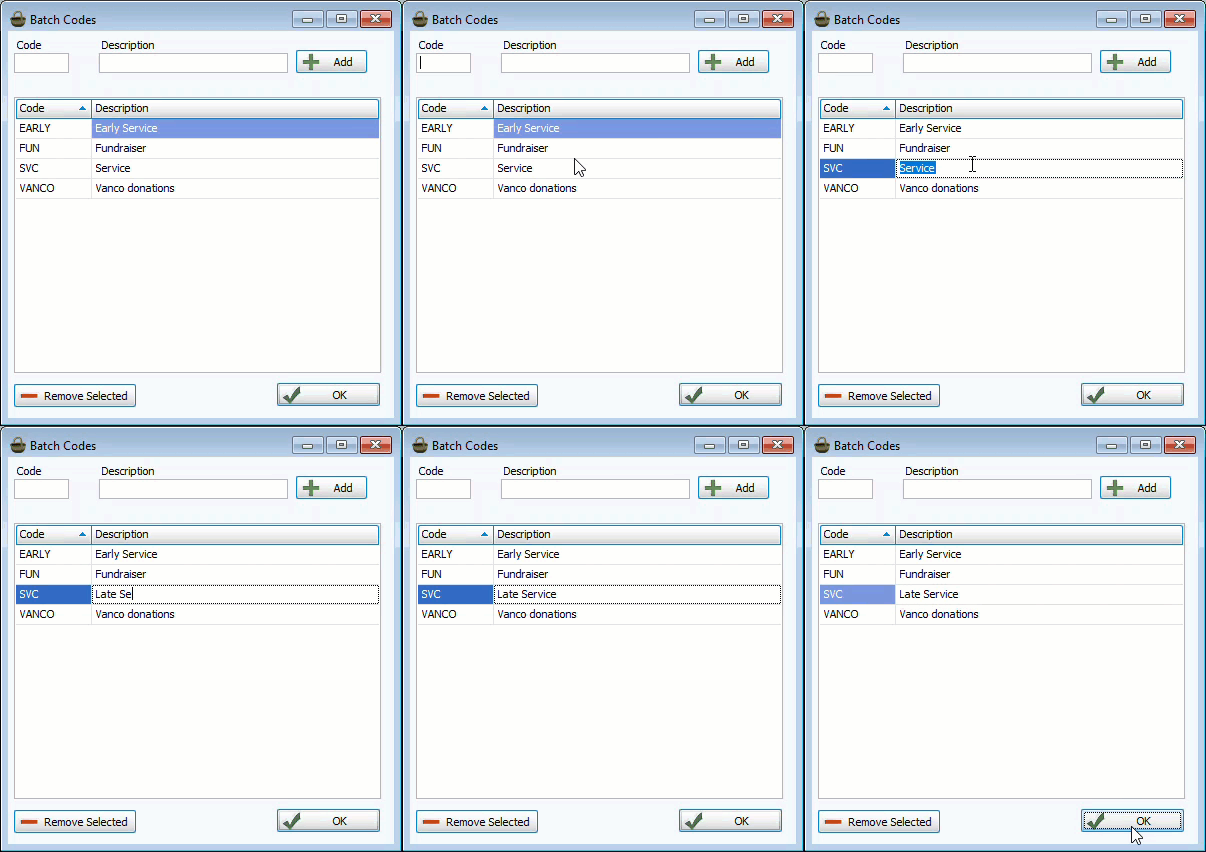
Edit a Batch Code
-
Click in the cell you want to edit.
-
Key in the correction.
-
Click
 to save and close.
Remove a Batch Code
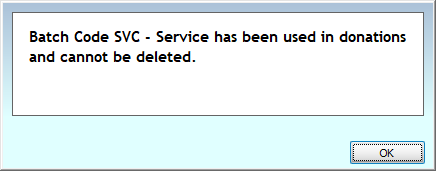
Batch codes that have had use in donations can not be deleted, even it's only recorded in reversals.
-
Select the unused Batch code.
-
Click
 .
. -
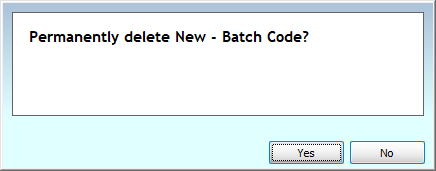
Confirm the removal.
-
If the code can not be removed, you'll see this message.