Giving Distribution
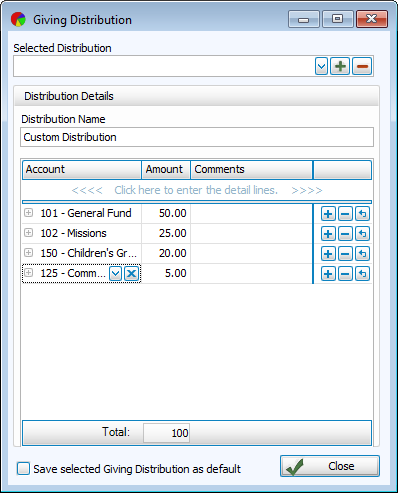
Giving Distribution allows for an amount to be portioned out into multiple giving accounts by percentage.
Common uses of custom distributions include;
-
Accommodating a giver's preferences with their own Custom Distribution.
-
Streamlining entry of a special collection designated to be divided proportionally into multiple accounts.
Access Giving Distribution
To access from the Button Bar, go to Donations > Giving Distribution.

To access from Enter Donations, click the  icon next to Amount.
Types of Giving Distribution
There are three types of Giving Distributions.
Manual Distribution - The accounts need to be designated with each donation entry.
Distribute According to Pledge - The amount is divided among accounts with current pledges. These line items can still be changed manually.
Custom Distribution - Create your own proportions and accounts to use as a default for donations entry.
Manage Giving Distributions
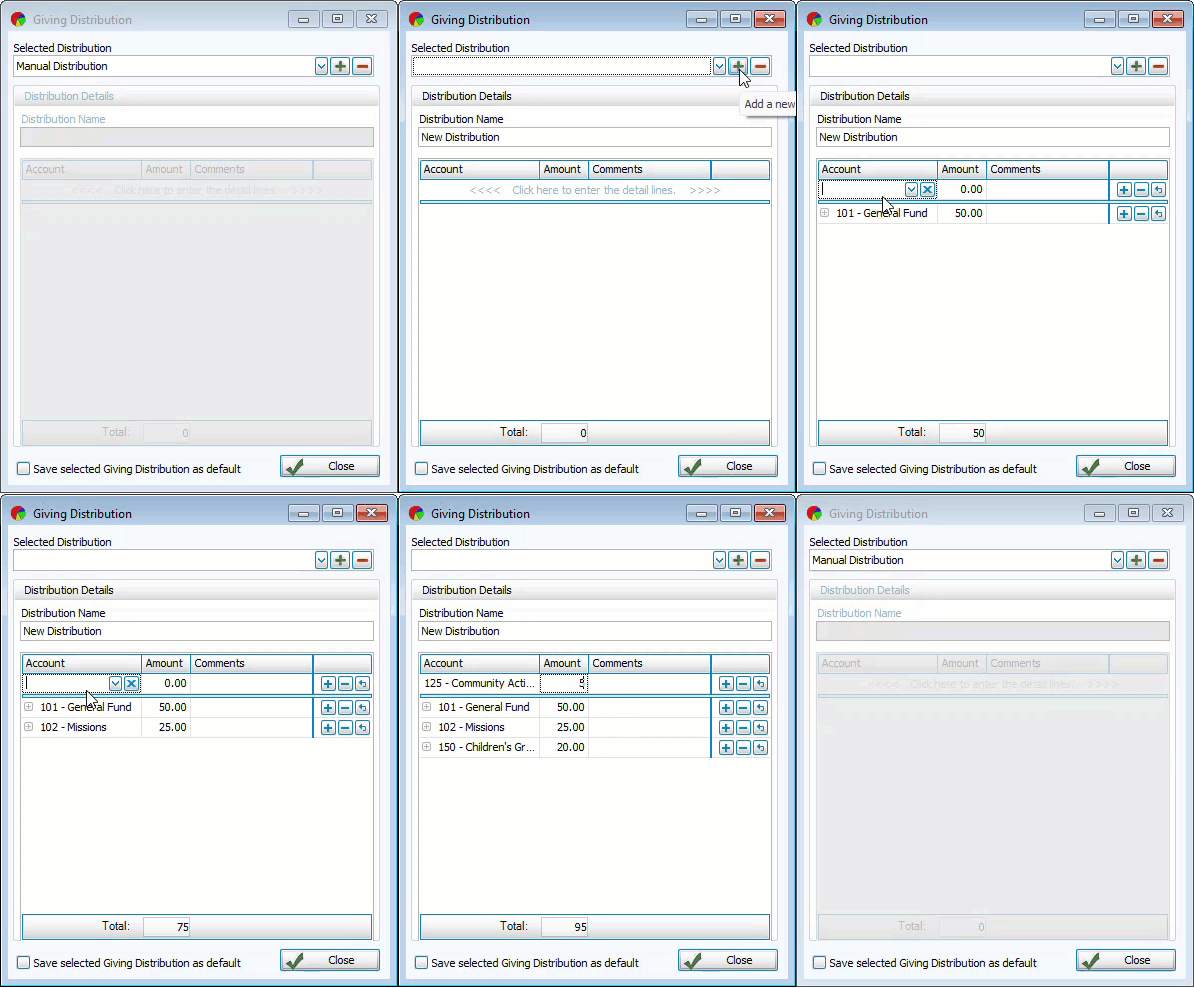
Add a Custom Distribution
-
Click
 .
. -
Enter a name for the new distribution.
-
Select the account and percentage for the distribution to total 100%.
-
Press the TAB key to move down to the next line or click
 . Click
  to remove a line and click
  to undo your last action.
 -
Click
 to make this the default distribution.
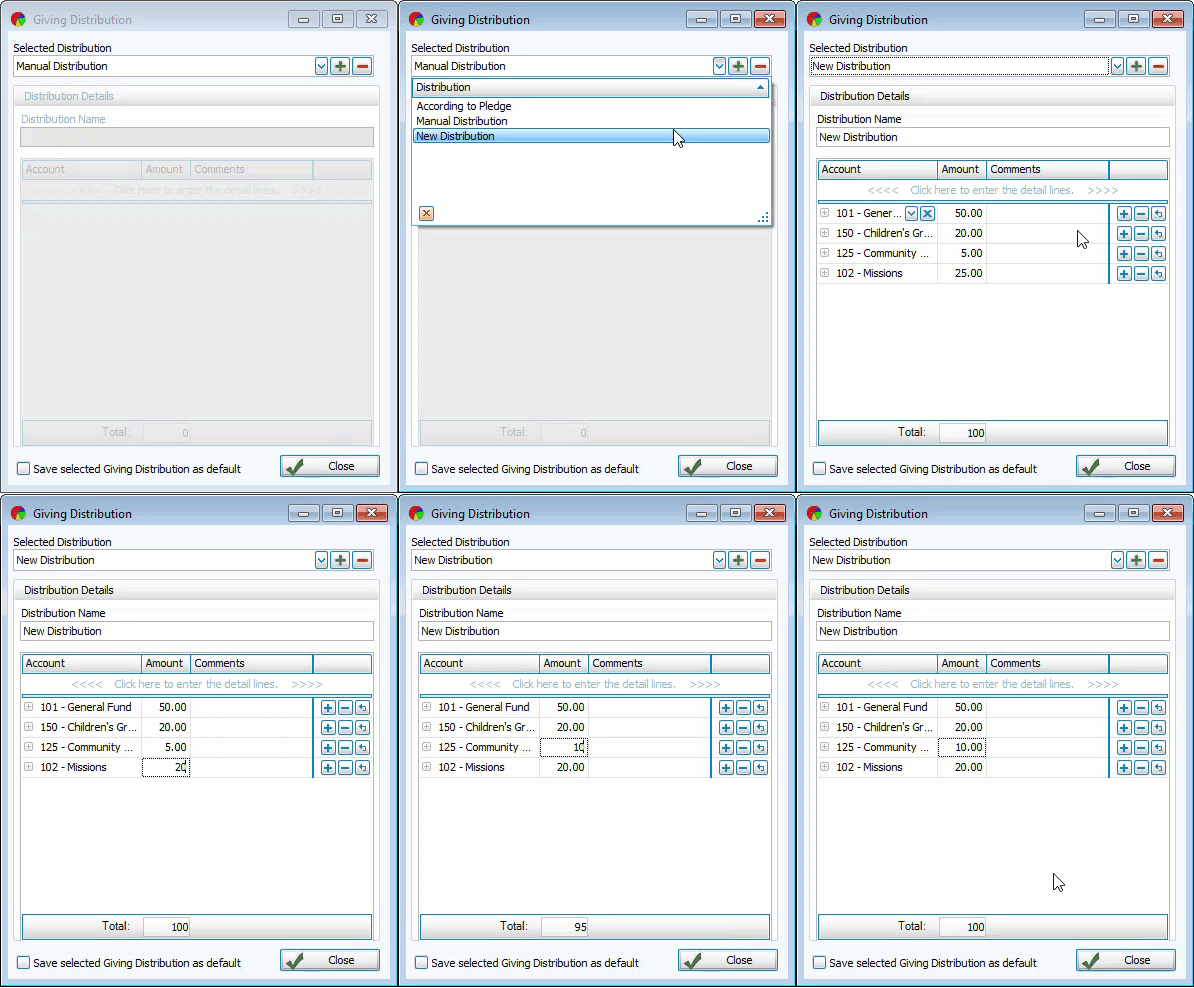
Edit a Custom Distribution
-
Click inside the line to be edited.
-
Make your changes and click
 to save.
Remove a Custom Distribution
-
Select the distribution you want to delete and click
 .
. -
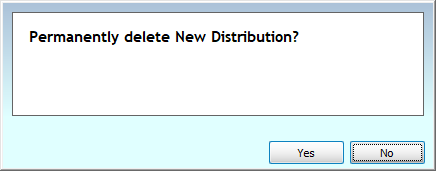
Confirm the deletion to save changes.