Unposted Batches
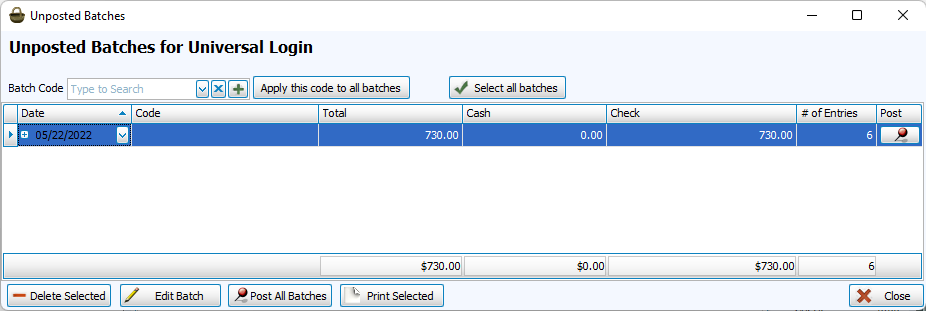
Unposted Batches are donations that have been entered but not yet posted to the Donations module. These batches are only accessible through the user account that created the batch.
Common uses of Unposted Batches include;
- To switch tasks in the middle of entering a batch
- To have someone else review the unposted batch report before posting
Access Unposted Batches
To access from Enter Donations, go to Donations > Enter Donations > Unposted Batches.
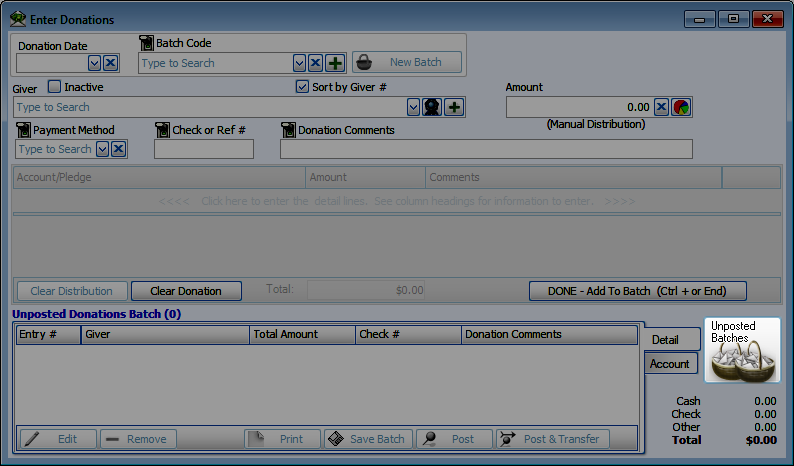
If there are Unposted Batches under the current user, the Unposted Batches screen will open with Enter Donations.
How to Edit a Saved Batch
-
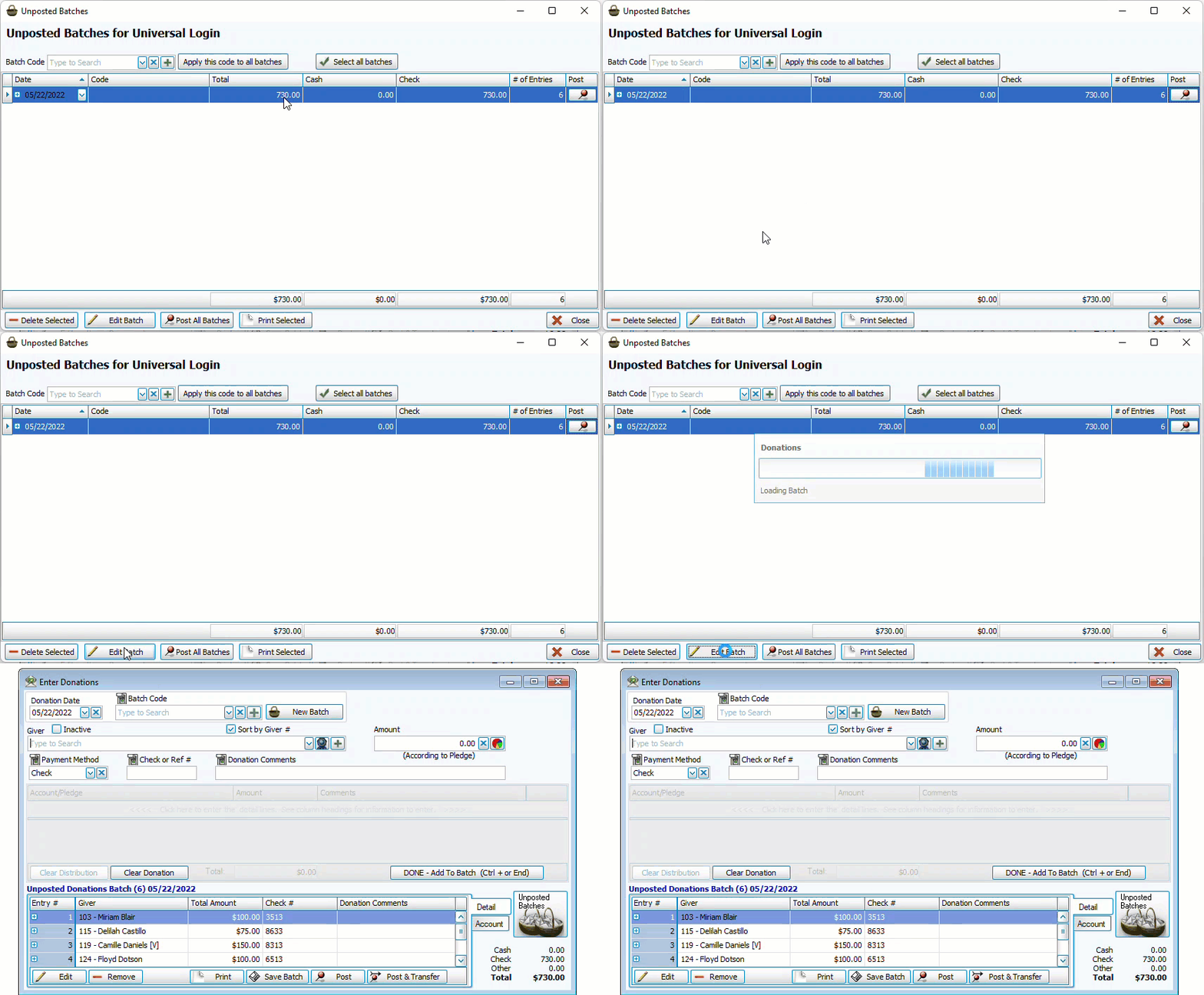
Go to Enter Donations.
-
Highlight the batch.
-
Click
 . You can also click
  to produce an Unposted Batch report.
 -
If the batch is no longer needed, click
 .
.
How to Post an Unposted Batch
-
Go to Enter Donations.
-
If needed, you can assign batch codes from this screen, either individually from the code column or to all unposted with
 .
. -
Post an individual batch by clicking
 on the line of the batch or post all Unposted Batches with
  .
. -
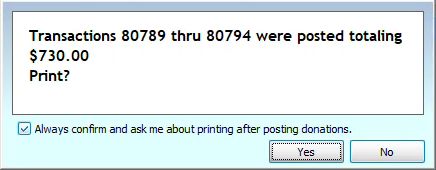
You'll get an alert with informing you of the transaction number range and the option to print a batch report.