Options
The options window in scheduler allows you to set preferences for the module. This is where you'll set preferences for days and times, network communication, and tool tips.
Access Scheduler Options
From the menu bar, go to Setup > Options
General Tab
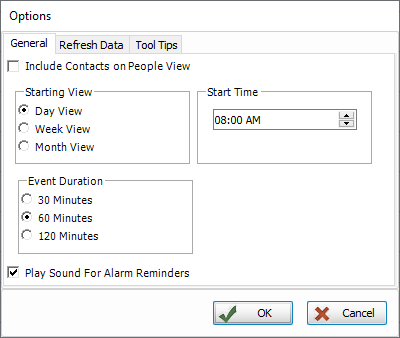

When in View by Person, the Include Contacts setting will list the events for which they're tagged as a contact. Left unchecked, events will only list in View by Person if they have assigned duties.
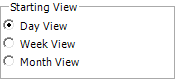
Choose the default Starting View when you open Scheduler, but it can still be changed manually. This change will take effect the next time you open Scheduler.
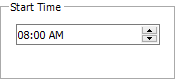
This controls the Start Time of the day in the daily view.
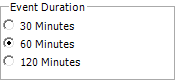
This is the assumed default for the Event Duration, unless otherwise specified.

This setting will Play a Sound for reminders while Scheduler is open.
Refresh Data
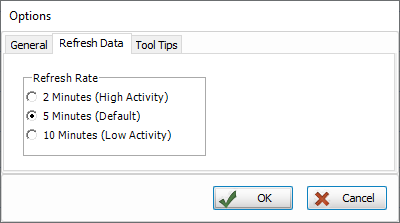
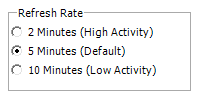
If you are using Church Windows on a Network, this setting controls how often the information in Scheduler is refreshed across the work stations.
Tool Tips
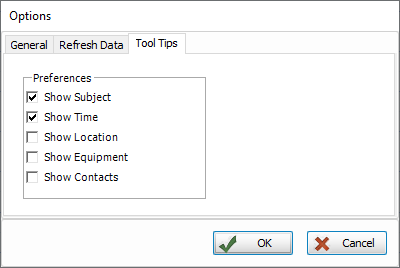
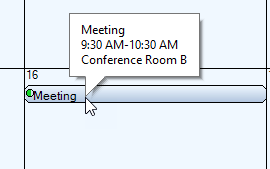
These options allow you to select the information you want to display in a tool tip when you hover over an event.