System Information
Access System Information

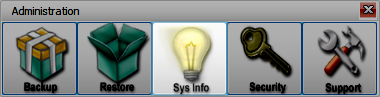
From the Church Windows Main Portal, go to Administration > Sys Info.
Organization Information

The contact information and tax ID numbers for your church are entered for all modules in the Organization Info tab. This information is used throughout the program in reports and exports. The Organization Name and Church Windows Customer Number will display in the upper left of the main portal.
Program-wide settings such as print preview zoom level and closure confirmation defaults can be set here for all users. With an Internet Connection, you can set up City and State to fill in by ZIP Code. Set this to fill in and override any text that has been filled in, or to only do so when the City and State fields are blank.
Licensing
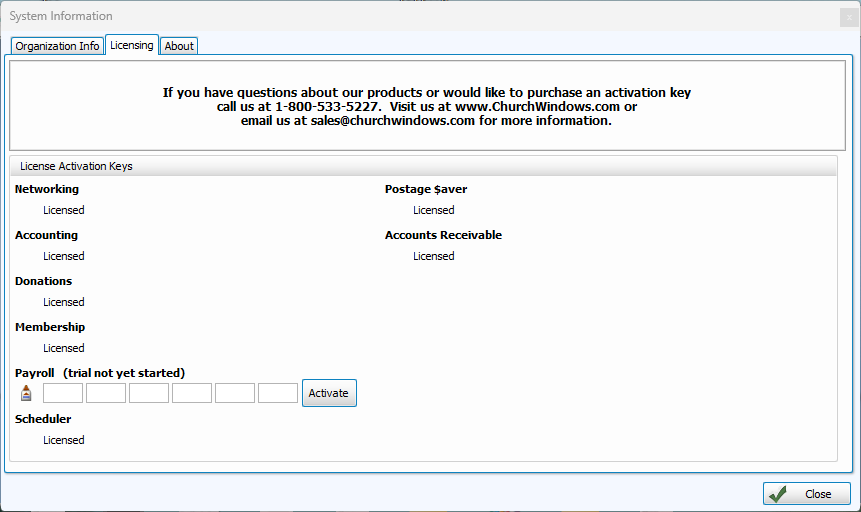
To license a recently purchased module, enter the 24-Alphanumeric key. You do not need to tab or click to go to the next entry field. This only needs to be done once. These permissions are saved with any backups, so if Church Windows is installed on a new computer, your keys will be restored with the backup.
About
Church Windows is based in Central Ohio, serving churches like yours since 1999.